In this article
The old desktop-only answer is incomplete
Anthropic's current scheduled-task guide describes recurring work on paid plans, with tasks running in their own sessions and remotely even when your computer is asleep. The interface is changing gradually, so an older screenshot may not match the navigation in your account.
There is an important migration detail. The web, desktop and mobile guide says new sessions and scheduled tasks for Pro, Max and Ultra moved to the cloud from October 6, 2026. Existing local sessions and their scheduled tasks remain local. Local files and browser connections can still require the desktop app to be available.
Those are separate facts: where the assistant runs, where its inputs live, and where it must save the result. This guide uses the public documentation checked November 10, 2026. It provides a diagnostic method, not a claim that we ran a task in your workspace.
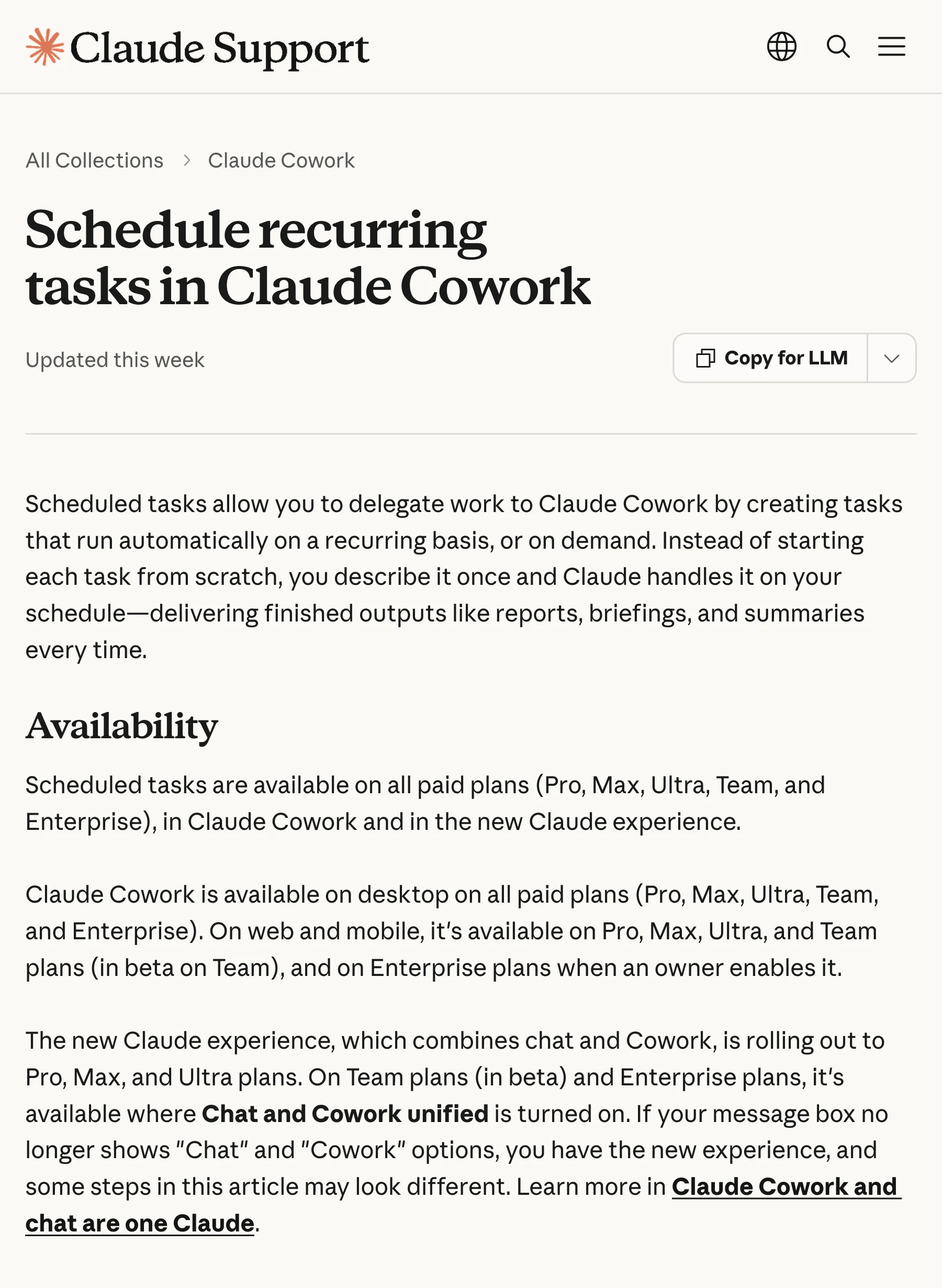
Source: Claude Help Center. The current guide describes recurring work and availability. Captured November 10, 2026 at native 3× density; cropped and encoded without altering the page.
Write a dependency list before changing the schedule
Take a concrete example: a weekly report that reads a cloud document, checks a public product page and writes a file to a folder on your Mac. Calling the entire request a cloud task hides its final dependency. Reading and writing can require different resources.
Make a short list with four fields for each step:
- Input: the exact page, connected document or local folder.
- Access: public browsing, a connected account or an available desktop resource.
- Output: the chat result, a cloud document or a named local file.
- Failure behavior: the evidence the assistant should return if the step cannot finish.
For the example report, a useful failure result says which sources were read, which destination could not be reached and where the completed draft can be reviewed. It should not imply that the local file was saved when only a chat draft exists.
This list also limits unnecessary permission changes. If the task only needs a public changelog, connecting an unrelated mailbox will not make the source fresher or the schedule more reliable.
Verify the saved task and one complete run
Use the scheduling controls documented for your interface, or ask Claude to schedule a request it has already completed successfully. Inspect the saved instructions, frequency and next occurrence. A clear prompt should identify the source and the intended destination, rather than leaving “send me the report” open to interpretation.
The official launch video below shows the basic idea: a reusable request, a recurring cadence and task management. It predates the later cloud changes, so use the current help pages above for execution requirements.
Video: Claude, March 19, 2026. This short official demonstration introduces recurring Cowork tasks. Its desktop-era presentation is historical context, not evidence that every current task requires an awake laptop.
Start with one on-demand run and inspect the entire result. For a report, open the cited sources. For a generated artifact, open the file itself. For an update to a connected application, inspect that destination. A task can have useful intermediate work without completing the final action you wanted.
Anthropic's Cowork course gives broader context for work that spans files and tools. The important test remains the output of your own saved request.
When a scheduled run stops partway through
First locate the run associated with the missed occurrence. Distinguish “no run,” “run waiting for input,” “run failed” and “run completed with an incomplete deliverable.” Each state suggests a different next step.
If an older task is local, check its host before rewriting the prompt. If a cloud task stalled at a local file or browser step, inspect that resource's availability. If access has expired, restore the specific connection the task needs. If the assistant asks for a decision, answer that decision in the existing task so its context remains available.
Preserve the last successful checkpoint. In a weekly digest, that might be the most recent source entry already included in a delivered report. In a file workflow, it might be the last verified output path. Without a checkpoint, a retry can repeat old material or skip the unfinished portion.
Do not create a second recurring task merely because the first one stopped. Diagnose one failed occurrence, repair it, and then decide whether replacing the old task is necessary. Two active schedules can produce duplicate reports while leaving the original dependency problem intact.
Separate a notification from the deliverable
A phone alert is a useful signal, but it is not the output. If the report exists and the alert does not, troubleshoot delivery settings. If the alert announces progress but the destination is empty, investigate the task's final action.
Give recurring work an observable completion rule: “The report is complete when the linked document contains the dated summary and source links.” For local output, specify a folder and a recognizable filename. This lets you verify completion without interpreting an assistant's tone.
Review Claude usage limits separately. A recurring schedule does not remove model or tool limits. For changing feature availability, our Claude release-note guide explains how to follow the relevant source instead of treating a launch announcement as universal account access.
Use a page watch for a smaller question
Claude is useful when the job requires gathering information, reasoning across it and creating a result. If the whole request is “tell me when this visible availability line changes,” a selected-area watch can be easier to inspect.
In PageDog's website-monitoring workflow, select the relevant evidence and describe the state you want. PageDog checks from your Mac while it is awake, online and running the app. AI analysis can send captured evidence to a hosted provider. It does not run as an unattended cloud service when your computer sleeps.
Choose the tool around the output: keep Claude for the multi-step report; use a focused watch for one visible page condition. In both cases, verify the actual source and result before trusting the next notification.