In this article
Start with the inventory you actually need
A search for “when does Costco restock” can mean two different things: whether to drive to a warehouse, or whether a product can be ordered online. A result for one does not settle the other. This guide covers US Costco, with sources checked October 5, 2026.
| What you want to do | Start here and keep the context |
|---|---|
| Buy at a warehouse | Costco app inventory search; retain warehouse, item number and time checked |
| Order for shipping | Exact Costco.com product page; retain item, variant and delivery destination |
| Check an online item's local availability | Its warehouse panel, when offered; confirm the selected warehouse |
| Find an item that disappeared online | Search by item number, then ask Costco; specify online or warehouse stock |
Costco's official app guide shows the native route: open Warehouse, choose Search Warehouse Inventory, and search for the item. When an item has low stock, the guide shows a Find Nearby option. Use the item's number where possible; a product name can describe several sizes, bundles or models.
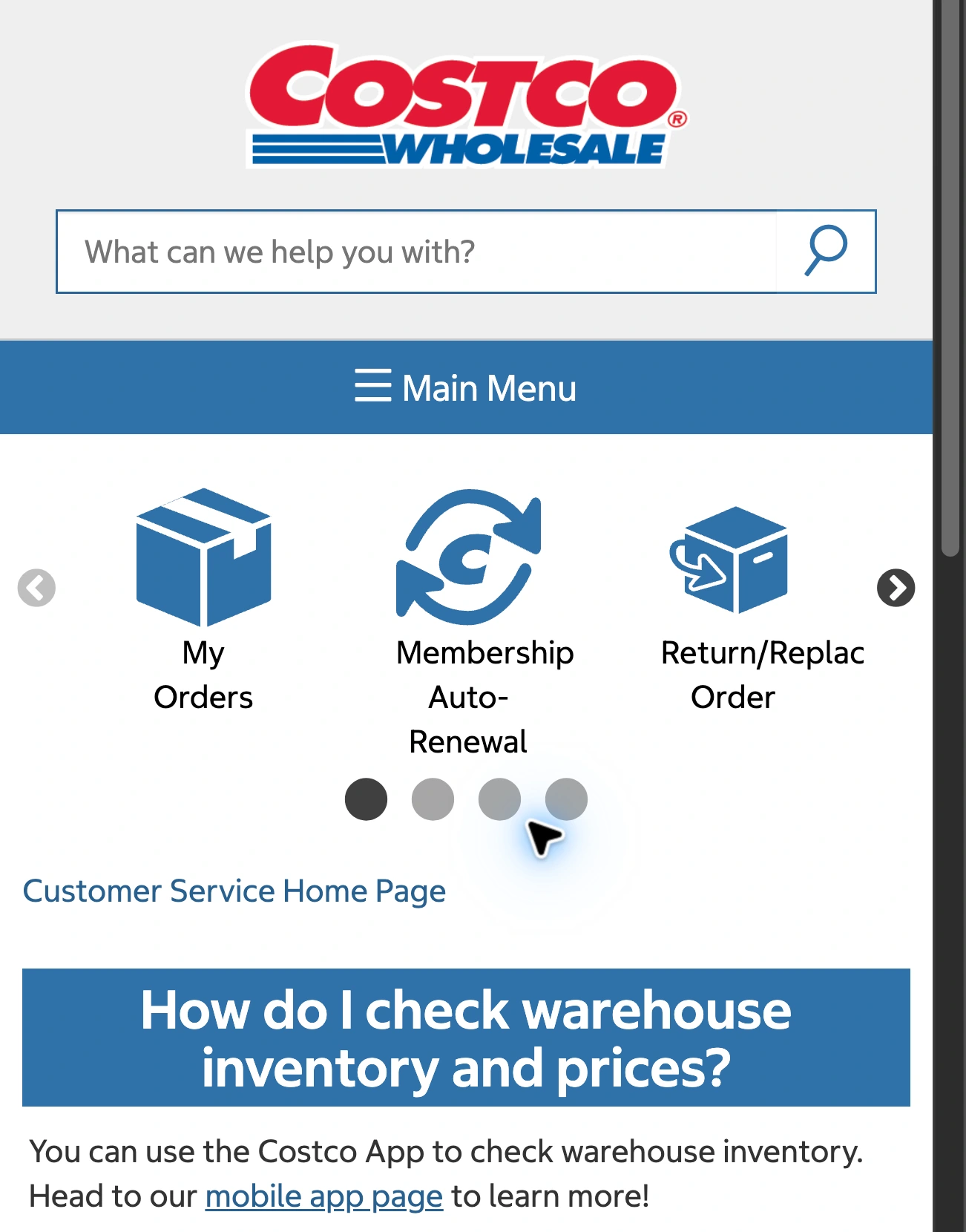
Source: Costco warehouse inventory help, captured October 5, 2026. The native app is the starting point for a warehouse stock check.
That check is more relevant to a trip than a generic Tuesday-or-Wednesday recommendation. We found weekday advice in search results, including a TheTakeout article based on Reddit reports. Such reports can be local clues. They do not establish Costco's delivery schedule for your product at your warehouse.
For a short visual walkthrough, this Guide Nation video, published January 14, 2026, shows the app’s warehouse search. It is an independent demonstration; the products, prices and stock shown in the recording are historical examples.
Use Costco’s linked instructions if your app looks different. The video shows where to check, not when your item will return.
Treat warehouse results as a recent snapshot
Costco's warehouse inventory and prices help page also offers a customer-service chat route. Its instructions explain how to choose a warehouse and look up an item after signing in.
The important qualification is easy to miss: Costco says inventory and pricing can lag by up to 30 minutes, can change, and do not display out-of-stock items. An inventory result is therefore useful evidence, not a reservation.
If a special trip depends on one item, check again near departure and contact the warehouse when the result is unclear. Keep the item number ready. Costco's product-availability guidance lists the app, warehouse membership counter, warehouse phone and customer service as ways to ask.
Suppose you checked a blender at 10:00 and expect to arrive at 10:45. The elapsed time alone should stop you treating that screenshot as a hold. You do not know how much inventory changed before the check or between the check and arrival. This example explains the limitation; it is not a forecast of how quickly that blender sells.
Keep Costco.com stock separate from the warehouse
Costco's online-inventory FAQ describes website inventory as frequently updated. If an item is missing, the stated possibilities include being unavailable online or currently out of stock. Costco says an item can reappear when it becomes available again.
That does not let you diagnose a disappeared listing as permanently discontinued. Nor does an online “Out of Stock” label tell you that every warehouse has sold out. Search the exact item number and use the channel that matches how you intend to buy.
There is a useful exception to the channel split. Costco supports warehouse availability on eligible Costco.com product pages. Set My Warehouse to the intended location. Where the feature is active for that item and warehouse, availability appears below the price. Costco says warehouse-only items are not displayed online through that feature.
Read the label beside the result. “Available for shipping,” availability at your chosen warehouse, and an eligible pickup option answer different questions. Before paying, confirm the selected variant, address and fulfillment method in Costco's own checkout. An availability checker cannot make those decisions for you.
Watch a specific online item when checking back becomes repetitive
Native app search or a call remains the simplest route for warehouse stock. For an online item you want to revisit, save its exact product page. If the listing disappears, repeat an item-number search before setting up anything: a watch on an error page has no useful stock evidence.
Monitoring services including Visualping and PageCrawl describe Costco restock workflows. Their guides are useful starting points for automation, but check their assumptions against Costco's current help pages. A notification about a changed page still needs interpretation.
For a local Mac workflow, PageDog can check a selected visible area against a specific condition. Choose the product name, variant and availability together, then use a goal such as: “Notify me when this exact blender is visibly available to add to cart for shipping, rather than marked out of stock.” Substitute the actual product you selected.
Run a check and review its evidence. Reopen the saved URL to confirm that your destination and variant remain selected and that the stock label is still visible. If the page asks for sign-in or presents a challenge, resolve access normally; do not assume the monitor can bypass it. Our website-change guide explains how to choose a useful area.
PageDog runs on an awake, connected Mac and uses hosted AI to evaluate selected evidence. It does not read Costco's warehouse database, reserve inventory or buy the item. A stock transition can also happen between checks. For another retailer with different native tools, see our Apple Store stock-check guide; do not transfer one store's rules to another.
Before acting on any alert, make one final check: right item, right location, right fulfillment method, current availability. That is a more dependable purchasing decision than treating a reported restock weekday as a promise.