In this article
Find the current app entry point
Readers searching for ChatGPT connectors should begin with OpenAI’s Connected apps guide. The current instructions, checked on November 20, 2026, use Settings → Plugins and the app or plugin that includes it.
The guide notes that very old mobile versions may show Apps. Follow the available entry point in your account and open the relevant details. Record the app’s actual name before comparing instructions, because a plugin can include more than one capability.
Start with a task that makes the connection worthwhile. “Find the project brief in the account I use for work” is easier to verify than “connect everything.” The task gives you a specific source, account and result to check.
| Checkpoint | What success looks like | What still needs checking |
|---|---|---|
| App discovery | You can open the relevant app details | Whether your account can use it |
| Installation | Required installation is complete | Provider authorization |
| Account connection | The intended provider account is shown | Access to the target item |
| Source lookup | The expected item is found | Its identity and relevant contents |
| Requested operation | The supported action returns a result | The result in the source service, where applicable |
Use this sequence to describe a problem. It helps you avoid reconnecting an account when the failure is actually a missing file permission or an unavailable operation.
Connect the account that already has the information
OpenAI’s account-connection instructions tell you to choose the provider account that already has access to the information you need. Review requested services and permissions before authorizing.
Imagine you can open a project brief in your work Drive, while a personal Drive account is connected in ChatGPT. The useful next check is the connected identity. Copying the brief elsewhere just to make the test pass would create a different workflow.
If the app supports several accounts, inspect the accounts listed and specify the intended one when the interface allows it. Record the connection you tested. A result from a personal account does not validate the work account.
There may also be two different administrators involved. The connection guide explains that a provider administrator and a ChatGPT workspace administrator can be separate people. Describe which approval message you see so the request reaches the person responsible for that control.
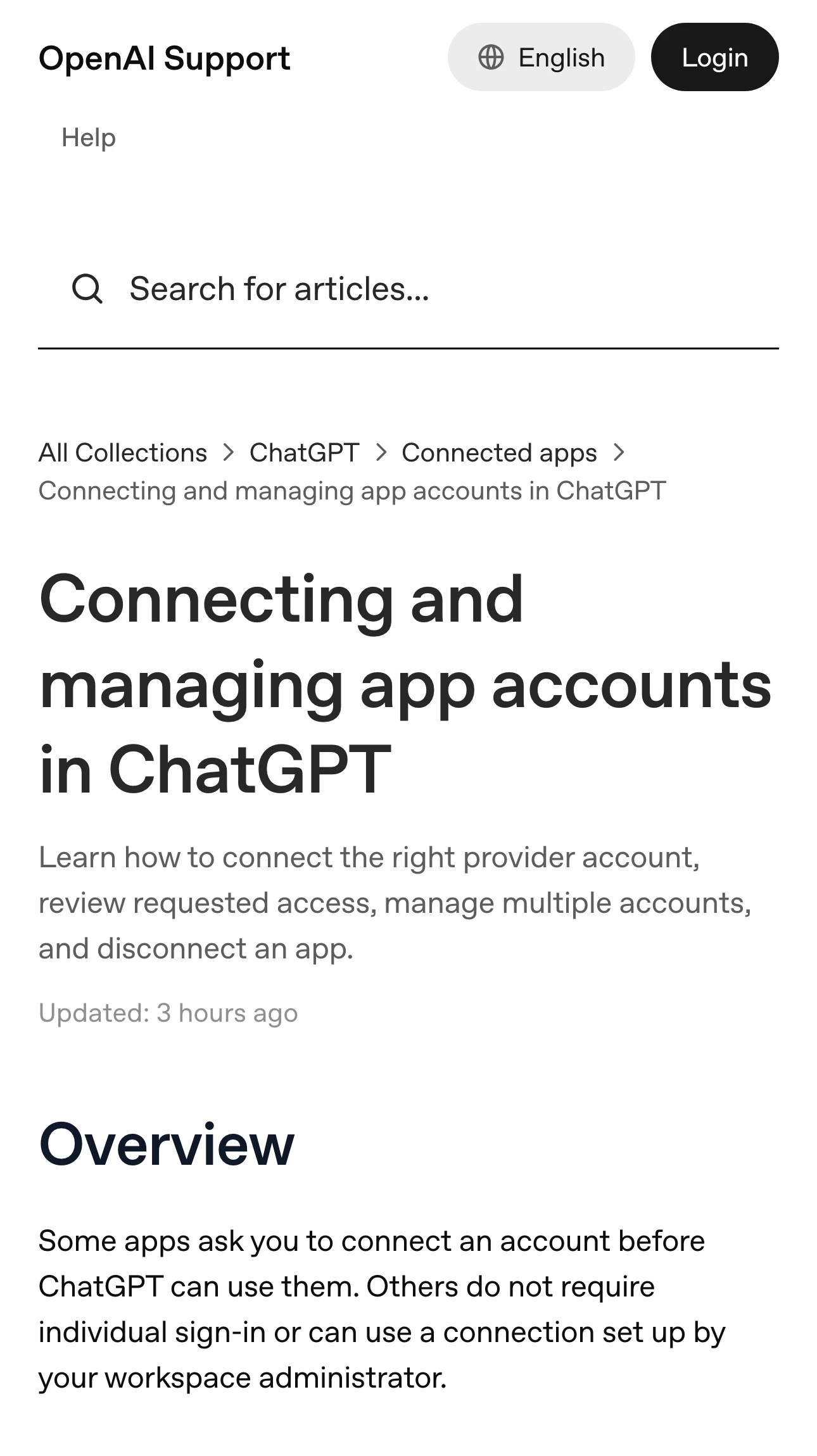
Source: Official documentation, captured November 20, 2026.
Test one item you can verify directly
Choose a non-sensitive item you are authorized to use and can already open in the original service. Give it a distinctive title or use another supported identifier.
Ask a narrow question whose answer you can check. For a short project brief, you might ask for its title and the next milestone. Open the cited or returned source and compare those details with the original.
Keep the first test small. A request spanning several folders, years of messages or multiple accounts adds several possible explanations for an incomplete result. Start with one item and expand after you understand what the app can access.
If the wrong item appears, refine the request using the exact title, account or relevant date. If the item never appears, check source permissions. Connecting a service does not itself grant access to a file or channel that the provider account could not open.
The file-upload guide covers a manually attached copy. A connected source and an uploaded export have different provenance, so note which route supplied the information in your test.
Match a failure to the relevant control
OpenAI’s app-troubleshooting guide distinguishes discovery, connection, app use, search, reading and actions. Apply the section matching the state you observed.
An app can be listed while access is restricted by an administrator. A successful connection can also be unavailable in a particular conversation, model or surface. Record the workspace and interface used for your test before deciding that authorization failed.
For a reproducible lookup problem, keep a short account of what happened. For example, the provider account can open a named document directly, the app shows that same account, and a supported exact-title lookup returns no matching item.
That report preserves the sequence without exposing the document’s contents. If support needs more detail, share a suitable reproduction according to your organization’s requirements.
Avoid repeating a reconnect cycle after each unsuccessful request. First check whether the new attempt changed anything about the account, permissions or supported operation. Repeating the same state provides little new evidence.
Review approval settings separately from access
OpenAI’s app-permissions guide describes when ChatGPT asks before reading information or taking actions. Those settings do not create source-system access or override workspace policies.
Review the proposed action and recipient when an approval appears. A connection that can find a document may also support other operations, but your current task defines what you intend to authorize.
If a write action has an unclear result, inspect the destination before repeating it. For example, check whether the intended item already exists or changed in the source service. A conversational statement and a provider-confirmed outcome can supply different evidence.
If you only need a lookup, keep the test to a lookup. Add a separate action test only when it is part of your intended workflow and you can verify the resulting state.
This independent walkthrough uses ChatGPT connectors for research papers. It provides an example of a source-finding task; use the current OpenAI setup and permission guides for the account controls shown in your interface.
Monitor the requirement that would change your decision
For an app unavailable in your region, plan or surface, follow the exact official requirement that blocks your task. The Gemini connection guide covers a separate product; use the ChatGPT documentation for this connection.
PageDog can watch a selected public documentation section locally on your Mac for a precise availability change. Select the relevant requirement and describe the condition that would justify testing the app again.
After an alert, reopen the official source, verify that the change applies to your account, and repeat the small provider-item test. Keep the watch on public requirements so the captured evidence can exclude private messages, filenames and account details.
A connection is ready for your task when you can identify the provider account, find the intended source and verify the supported result. Save those observations together so a later failure can be investigated from the last checkpoint that worked.