In this article
Start with the developer's current news
Open Unknown Worlds' Subnautica 2 news first. Check the newest dated release announcement, then follow its patch notes. If you already own the game on Steam, its news and update download are the most direct starting points.
This guide was checked on October 1, 2026. The latest major update in the official news list at that check was Buddy System, released August 19, followed by Buddy System Hotfix 1 on September 1. A hotfix and a new content milestone serve different purposes; the newer date alone does not mean a new expansion has arrived.
Unknown Worlds says the Buddy System update should arrive as a free automatic download, with a Steam restart suggested if it does not appear. Start there when your question is “How do I get the update?” A separate page monitor is useful when you are waiting for a particular announcement instead.
Read the May roadmap as a sequence, not a deadline
The original May 15 roadmap groups the work into quality-of-life improvements, co-op improvements and larger future expansions. It also makes clear that the plan can change.
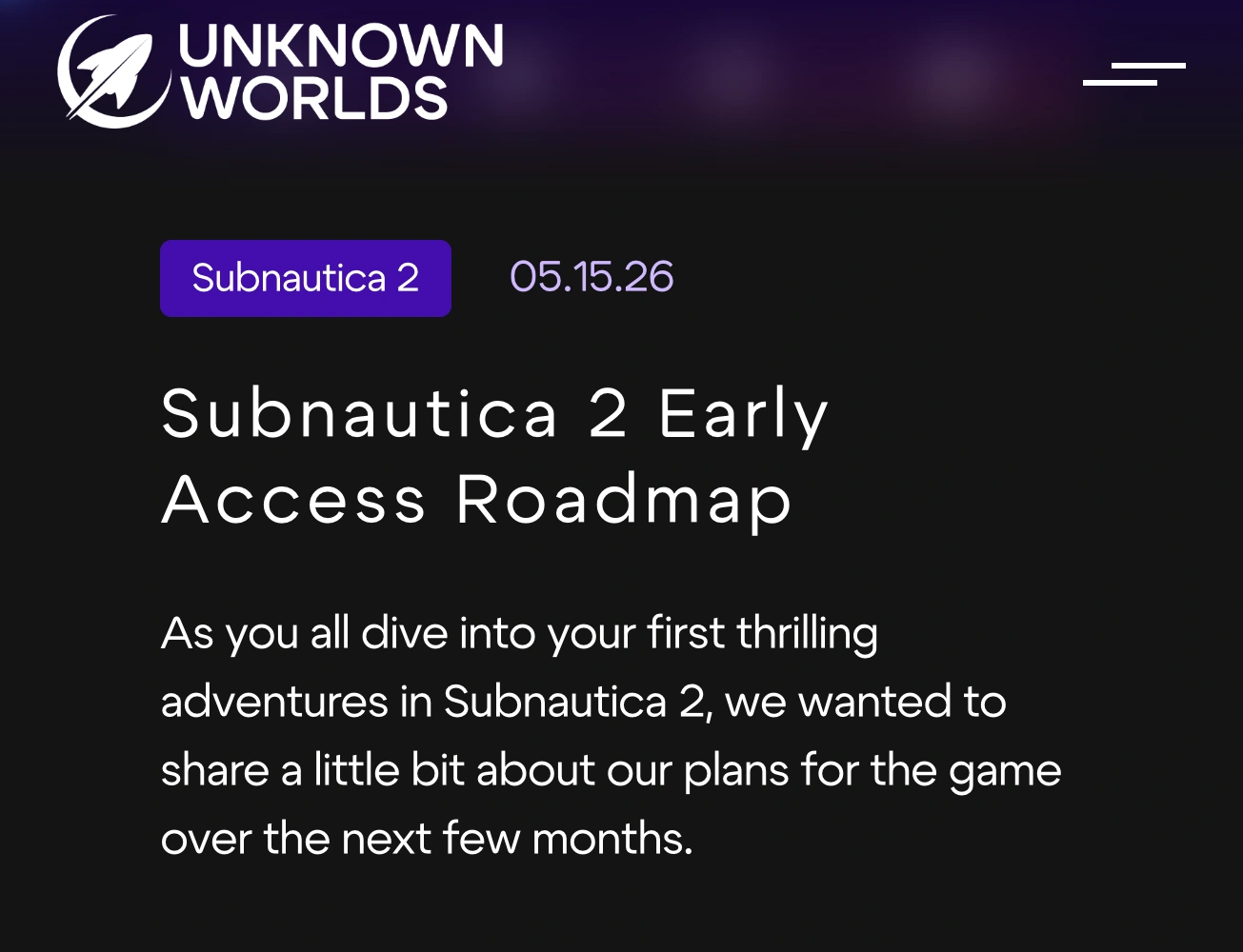
Source: Unknown Worlds, captured October 1, 2026. The dated introduction identifies the original May plan, not a newly issued October schedule.
The future expansion direction includes more world areas, creatures, resources, tools, a vehicle and further story development. That is a useful description of intended scope. It is not a dated delivery promise for every item, nor proof that everything will ship together.
| Stage | What the dated source establishes |
|---|---|
| Original roadmap — May 15 | The planned sequence and broad future direction. |
| Adaptive Measures — July 8 | Early Access 1.1 is released; read that update's notes for its exact scope. |
| Buddy System — August 19 | Early Access 1.2 is released, including co-op additions. |
| Buddy System Hotfix 1 — September 1 | Follow-up fixes, not evidence of the next expansion. |
| Early Access 2 previews | Future-update context; a preview alone does not establish a stable launch date. |
The July release announcement and September hotfix are useful checkpoints. Bookmark the news list as well: a static May article may remain unchanged while later announcements answer your question elsewhere.
Check individual features against the shipped notes
Buddy System introduced proximity voice chat, player revives, emotes, direct player trading and additional character choices. Those are released features according to the August 19 notes, rather than things you still need to wait for.
There is a subtler trap with interface features. At this check, the independent Subnautica 2 Map roadmap still called HUD Signals, the Base Builder Tool and Pinned Recipes pending. The official August notes already describe changes to signals, building placement and pinned-recipe behaviour.
That does not prove every ambition for those systems is finished. It does mean a blanket “not shipped” label loses useful detail. Read the named change, not just a checklist heading. A second community overview, Sub2Wiki's roadmap, can help orient you, but the developer's dated notes remain the source for release status.
For a visual look at the released co-op additions, IGN hosts the official Buddy System trailer, published August 19, 2026:
The trailer shows this released update. It is not footage proving that every future roadmap feature is available or a calendar for the next release.
Keep experimental builds separate from the normal release
Unknown Worlds opened an Experimental branch on August 12. A separate testing branch is a different kind of evidence from a stable-update announcement.
When a clip or discussion shows a new feature, ask which build it uses. “Visible in a preview,” “available for testing” and “released to the normal branch” are three distinct states. A video title that omits the branch can make a future change look like something missing from your installation.
Use the developer's branch instructions if you deliberately want to test. If your aim is simply to return when a major update is ready, wait for an explicit release announcement instead. This guide does not require switching branches or changing your saves.
Follow one announcement that would make you return
Define the event you care about before setting an alert. “Any Subnautica news” also includes competitions, artwork and small fixes. A more useful condition might be an announced date for Early Access 2, or an announcement that its stable update is available. Choose one of those; they can occur on different days.
Use the official news list, Steam news or the developer's community channels if their updates already meet your needs. For a selective local Mac workflow, PageDog can check the visible news area for a condition such as: “Notify me when a visible Subnautica 2 news item explicitly announces that Early Access 2 is released, rather than previewed or available only on the Experimental branch.”
Select the headline, date and summary together. Run a check and inspect the evidence, then reopen the URL to verify that the Subnautica 2 filter and selected area still show the intended news. The monitor can evaluate what is visible; it cannot establish details hidden behind a headline. Open the source article after an alert to confirm the branch and release status.
PageDog runs checks locally on an awake, connected Mac and uses hosted AI to evaluate selected evidence. Watching a website on a Mac does not imply the game runs on macOS. PageDog does not install an update or change game files. Our website-change guide explains page selection; Google Alerts for companies covers the different task of discovering new search coverage.
The useful decision is small: which official statement would make you launch the game again? Follow that statement, keep its date and branch attached, and recheck the patch notes before assuming the entire roadmap has arrived.