In this article
Open the current roadmap and news together
Start with Obsidian's official roadmap, then its latest news. The first describes intended development; the second records announcements and releases. If you already own the game, its platform's news and update download are the natural place to check whether something is available to play.
At the October 5, 2026 check, the current graphic was labelled Year 2. The newest announcement in the official news list was Hotfix 0.5.1.1, dated October 1. That fix addresses a Steam multiplayer connection problem related to Download Region. It is relevant if that problem stopped your group playing; it is not the Fall content release.
| Evidence | What you can conclude |
|---|---|
| Into the Abyss — August 11 | A major update is released; later roadmap work remains separate |
| Patch 0.5.1 — September 11 | Its listed changes are released; this does not deliver every planned feature |
| Hotfix 0.5.1.1 — October 1 | A specific connection fix is released; this is not a park expansion |
| Current Fall and Winter columns | Seasonal milestones are planned; no exact day or 1.0 deadline is given |
| Future Plans column | Further work is intended; no dated update immediately after Winter is established |
Keep those distinctions attached when sharing the image with friends. A screenshot without its “Year 2” label can be confused with an older plan that also uses seasonal headings.
Read Fall and Winter as windows, not appointments
The current Fall column includes the Rotting Wood Pile, Potato Beetle Buggy, termites and further equipment. Winter lists another concealed park area, a new story boss, additional Buggies and further progression. These are useful reasons to follow development, but the graphic does not provide a calendar day for those milestones.
Obsidian's August 26 naming-vote announcement explicitly describes the next update as coming in Fall. Its invitation to vote lasted 48 hours. That old voting window is not a current opportunity to choose the name, and neither the vote nor its date establishes when the update will ship.
Do not translate the Winter heading into a promised December 2026 launch or a particular day in 2027. The chart alone does not resolve that boundary. If you are planning a co-op weekend, wait for a dated release announcement and check the platform details before arranging the session around it.
The same restraint applies to concealed entries. A covered label is an undisclosed detail, not evidence for a community theory about the next area or creature. It is fine to enjoy speculation while keeping it outside your list of confirmed features.
Check what Into the Abyss already delivered
The August 11 release article describes the underwater expansion, diving equipment progression, underwater building and the amphibious Toe Biter Buggy. If you stopped playing before that release, there may already be substantial content for your group to explore.
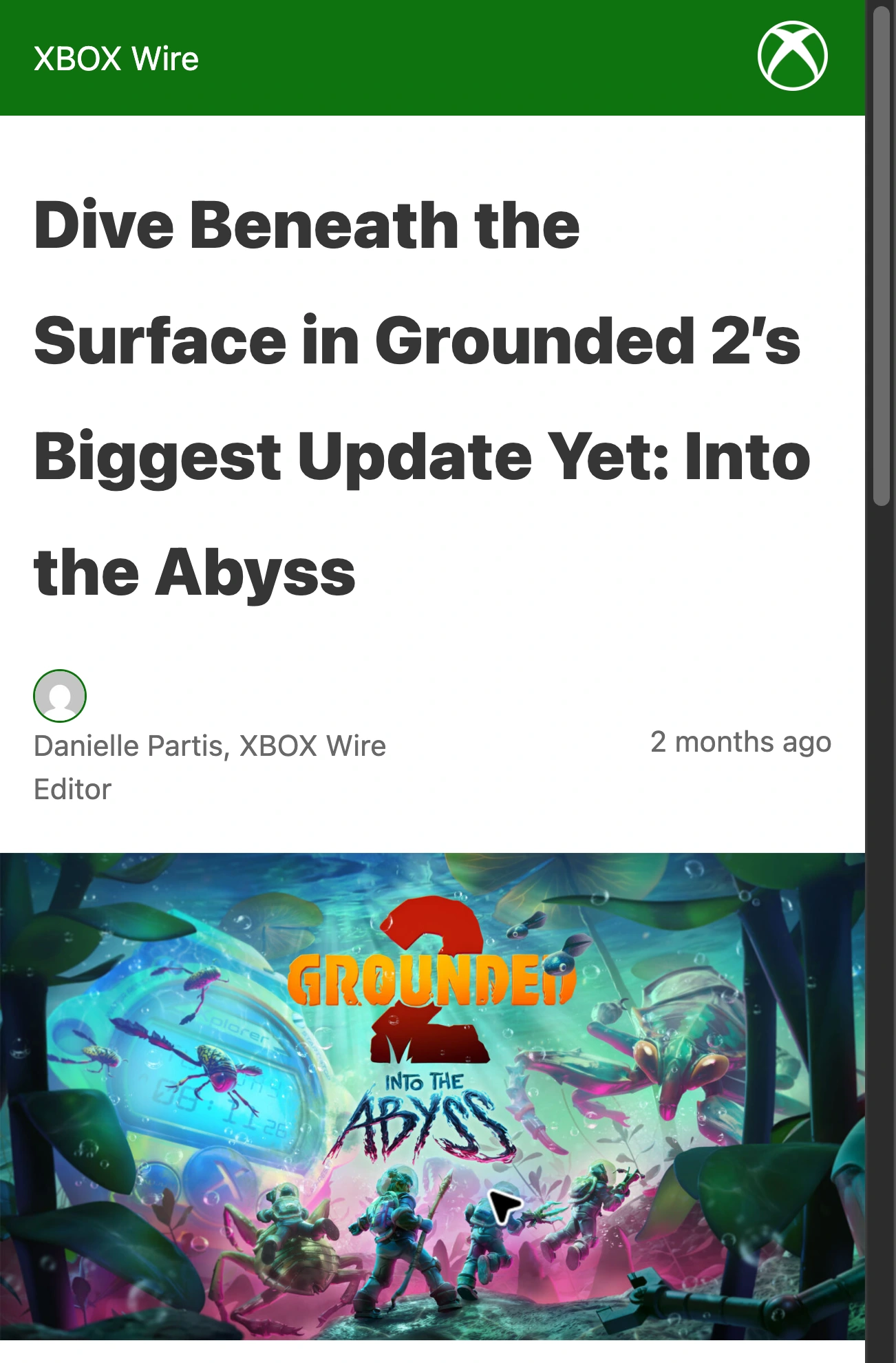
Source: Xbox Wire’s August 11, 2026 announcement, captured October 5, 2026. This is the released Abyss update, separate from later roadmap milestones.
This matters when you read a future item that sounds similar to a released feature. The roadmap separately lists The Abyss — Expanded under Future Plans. That is a plan for more, not a statement that the August expansion is still unavailable.
Obsidian's official August 11 trailer gives a visual introduction to that released update. It should be read beside the release article, not used as proof of the Fall milestone or an eventual full-release date.
The September 11 patch notes serve a different purpose again: they document subsequent changes to the live game. Look for the exact mechanic or issue that matters to you instead of assuming that the highest version number represents the next big content chapter.
Choose the evidence that would make you return
An exhaustive feature list can obscure the practical question: what are you waiting for? Write that down before following every teaser.
| Your reason to return | Useful next check |
|---|---|
| Explore the underwater expansion | Read the August release notes and update your game |
| Rejoin friends after the Steam connection issue | Check the October 1 hotfix and your installed version |
| Explore the named Fall content | Look for an explicit release announcement, then confirm its scope |
| Move an existing base | Follow the undated Base Moving item; do not assign it to Fall without evidence |
| Wait for a finished 1.0 release | Look for a separate official full-release announcement |
The independent Sourceborne roadmap guide provides a detailed historical comparison of the charts. It already distinguishes seasonal and undated work. Use that kind of context to understand a change, then follow its primary-source links before treating an interpretation as a new commitment from Obsidian.
A useful rule for an item that disappears from a later graphic is to leave its status unresolved until the developer explains it. Removal from one image does not, by itself, prove that work was cancelled or silently released.
Follow the next release without reacting to every hotfix
The official news feed and platform announcements may be enough. For a more selective local Mac check, PageDog can watch the visible official news area for this condition: “Notify me when a Grounded 2 headline and summary explicitly say the Fall content update is released, rather than announcing a hotfix, preview or community vote.”
Select the headline, date and summary together. Run a check, inspect the captured evidence, and reopen the URL to confirm that the same news area remains visible. A headline that only says “update news” is insufficient; open the announcement to establish what changed and where it is available.
PageDog checks the selected visible area locally on an awake, connected Mac, with hosted AI evaluating the evidence. It cannot uncover concealed roadmap labels or read details that the selected area does not show. It does not install game updates, and a Mac website watch does not imply that Grounded 2 supports macOS.
Our website-change guide covers area selection. If you also follow another Early Access game, our Subnautica 2 roadmap guide applies the same source-checking habit to its separate update history.
Keep the decision concrete: a shipped feature means you can check the current game; a seasonal window means keep watching; an undated idea means there is no appointment to put on your calendar yet.