In this article
Start with a source decision, then open Deep Research
Decide whether your question needs public web information, your own material, or both. On the web, open Gemini and select Deep Research from the file/tool controls. Google's current Deep Research instructions describe the source selector and attaching files.
Checked on November 23, 2026: the help page requires a signed-in user aged 18 or over. Access and limits vary, so use the controls offered in your account instead of assuming a tutorial's subscription or interface still applies.
| Research goal | Source decision to make first |
|---|---|
| Understand a public topic | Use web evidence and specify the region and date |
| Analyze a supplied document | Select the material you want the report to use |
| Compare internal plans with public facts | Decide which private and public sources belong together |
| Repeat an earlier report | Record the source scope so the comparison is meaningful |
Write the decision down in one sentence. Comparing public submission requirements for three programs in Portugal is easier to verify than researching the best opportunities. The narrower question tells you which sources belong and what a useful answer must contain.
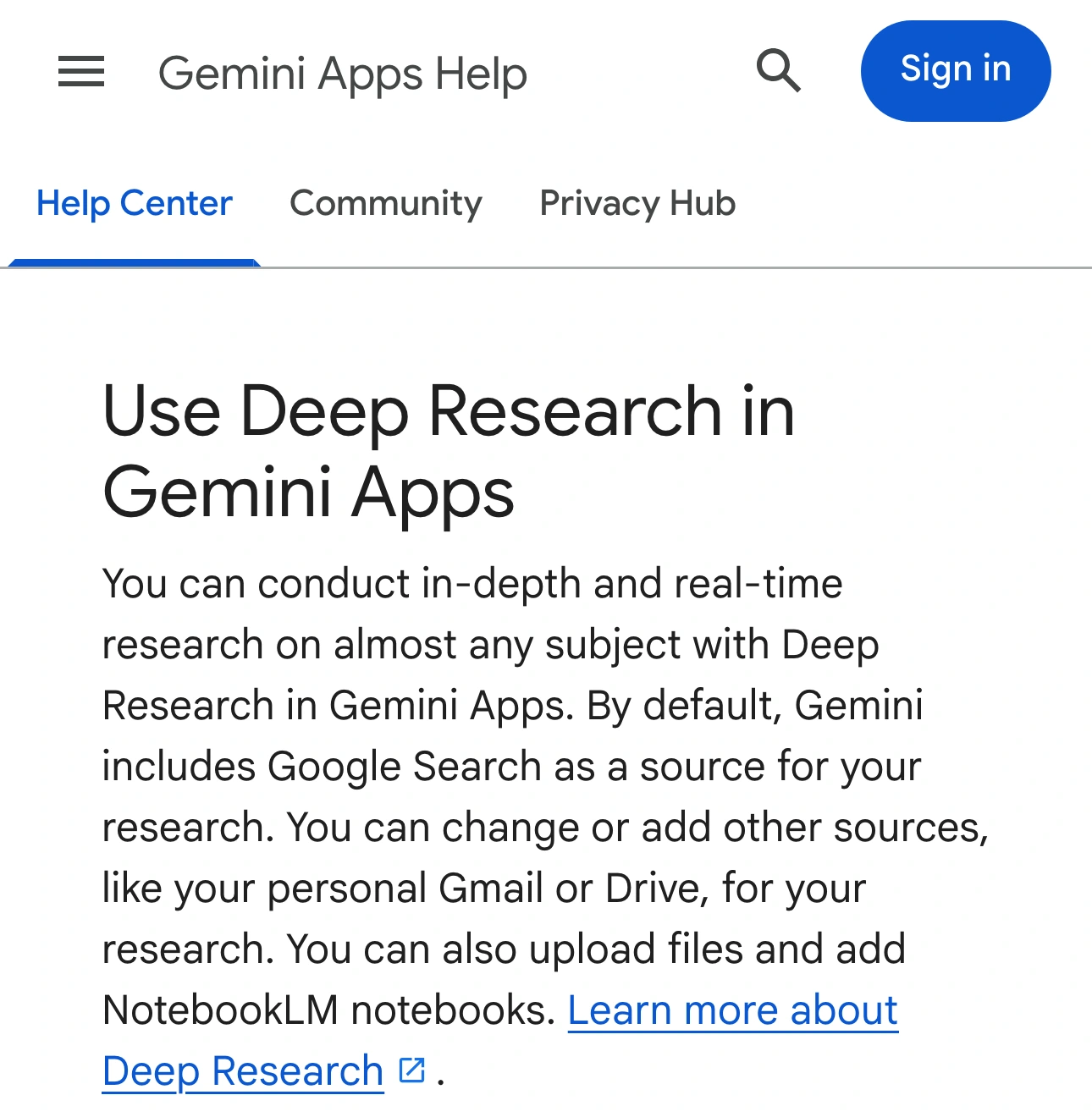
Source: Official Gemini Apps Help, captured November 23, 2026. Gemini Apps Help identifies Google Search as the default research source and describes adding other evidence.
Check connected sources before relying on them
Gmail and Drive require the Google Workspace app to be connected to Gemini. If a source is missing, begin with the connection and account requirements rather than prompting the model to act as though access exists. Our Gemini connected-app troubleshooting guide addresses that availability problem separately.
Google's November 5, 2025 Workspace integration announcement explains the intended mixed-source workflow: bringing Workspace context into research alongside public information. The announcement establishes the feature's purpose, not permission to include every file you can access.
For an initial test, use a harmless sample brief and a public question. Keep sensitive material out until you understand the source controls and the account's applicable rules. If public documents answer the question, connecting a private inbox adds another dependency without necessarily improving the answer.
Connecting a source does not prove that a particular fact was used. After generation, trace an important statement to the document or page that supports it. An enabled connection is a capability; a verified citation is evidence about the answer.
Review the proposed plan before spending a research run
Google's Deep Research overview describes a staged workflow in which Gemini plans, researches and synthesizes. Use the editable plan as a checkpoint for the question you actually need answered.
Read it as proposed tasks. Does it name the right country? Does it distinguish current requirements from older guidance? Is it gathering evidence for your decision, or expanding into background material you do not need?
An original example brief could be:
Compare the application requirements on these three official program pages. Use Portugal as the region and distinguish published deadlines from estimates. For each conclusion, identify the original page and the date it states. Flag missing information rather than filling the gap with a typical deadline.
This is an illustrative brief, not a tested prompt or a promise that Gemini follows every constraint. Review the plan and report against the same requirements. Correcting an off-target plan before the run is easier than untangling a polished but irrelevant answer.
The official engineer roundtable below is linked from Google's Deep Research overview. Published March 13, 2025, the engineers discuss the research process. Its older product context and access messaging should not replace today's help page for source controls or availability.
Check three claims in the finished report
Choose the statements that would change your next action. A beautifully organized report is less useful if the deadline, eligibility condition or requirement behind your decision is wrong.
Use this worksheet with the actual report:
| Claim to inspect | Evidence to retain |
|---|---|
| Deadline or effective date | The original page and its explicit date |
| Requirement or exception | The paragraph supporting the condition |
| Comparison | The source facts and your reason for preferring an option |
Open the originals. Check that each source concerns the right version, country and time period. If a report cites a broad home page where you expected a specific requirement, find the relevant primary document before using the conclusion.
Separate a source's statement from Gemini's interpretation. A page that says applications open in a particular month does not establish the closing date. A report may connect those facts into a plausible narrative; your record should show where evidence ends and inference begins.
For repeated work, save the question, source scope, report date and three checks together. If the answer changes next month, you can investigate whether the underlying source changed, the scope changed or the interpretation changed. That is more informative than comparing final paragraphs alone.
Diagnose a missing control without mixing products
Google documents a gradual rollout of source selection in the mobile app. If the option is absent there, compare the desktop instructions and account requirements. Another person's screenshot does not prove that your account already has the same control.
Gemini Apps Deep Research and source discovery inside Gemini Notebook are distinct workflows. The notebook source-discovery guide describes collecting and importing sources into a notebook. Instructions for that panel do not necessarily describe the Gemini chat where you started this report.
For an existing notebook whose source content looks stale, our source-update guide addresses a different outcome. Keep report generation separate from an import or synchronization issue so each check answers one question.
Track a public requirement after the research ends
If your report depends on one official requirement that may change, PageDog can watch that selected visible section locally on your Mac. For example, monitor a program's eligibility paragraph for a newly added residency condition rather than repeatedly generating the whole comparison.
Checks need the Mac to be available; hosted AI receives bounded captured evidence when used. An alert is a reason to reopen the original and update your decision record. PageDog does not conduct the research or silently refresh Gemini's report.
Use Deep Research to assemble and explain evidence, then retain the original facts your decision depends on. Source selection makes the run deliberate; checking those facts makes the result usable.