In this article
Start with the artifact's native sharing controls
Open the actual artifact you want to hand over. Use its Share control rather than assuming that copying the browser address grants access. Anthropic's sharing guide explains the audience settings. Change sharing from Claude on the web or Claude Desktop; the mobile apps do not provide those settings.
The rules were checked on November 23, 2026. Ordinary link sharing is available on paid plans, while legacy artifacts have different publishing rules. An old tutorial's Publish button may be the wrong control to look for. First identify which experience your artifact actually uses.
| Handoff check | What to establish |
|---|---|
| Audience | A named recipient, your organization, or anyone with the link |
| Recipient view | The intended person can open the artifact |
| Useful result | The content and required interactions work for that person |
| Revision | The visible content is the version you meant to send |
These checks form a practical acceptance test. They do not change Claude's permissions, and they are not a claim that we tested your account or a particular shared artifact.
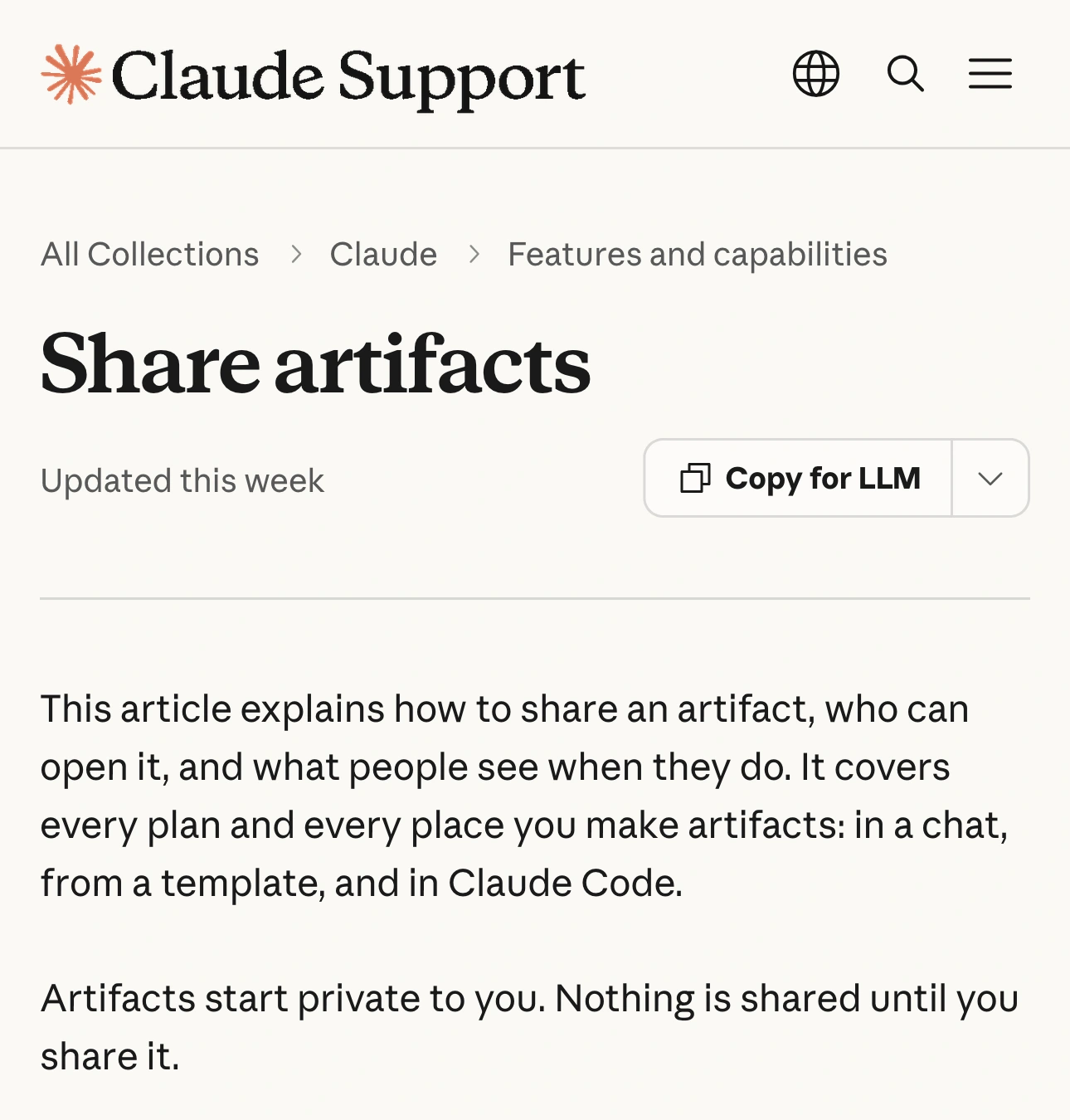
Source: Official Claude Support, captured November 23, 2026. Claude Support describes artifacts as private until shared. Check the native audience controls before sending a link.
Distinguish the new experience from legacy publishing
Anthropic's artifact overview describes legacy artifacts as those made in a chat before September 16, 2026. Those artifacts remain a separate case. Record whether the item shows Share, Publish, or Share & copy link before troubleshooting.
A video may demonstrate a real control that belongs to an earlier artifact type. Repeatedly recreating the same content will not establish which rule applies to the existing link. Keep one small, non-sensitive example for testing. A static checklist with a distinctive heading is easier to inspect than a dashboard that also needs a data connection.
For reusable procedures rather than shared outputs, our Claude Skill Creator guide covers a different job: defining and testing instructions. Sharing a result does not establish that another person has the skill or resources that produced it.
Check organization policy before rebuilding anything
On Team and Enterprise, an Owner or Primary Owner controls external sharing. Anthropic's artifact administration guide also distinguishes link sharing from outside email invitations. Permission for one does not automatically enable the other.
If the intended audience option is unavailable, ask the owner to inspect the policy for that artifact. Give them its name, the audience you need, and the control you see. That is more useful than a broad report that Claude sharing is broken.
A previously working public link can stop working when external sharing is disabled, unless the artifact is individually allowed. Treat a policy change as a possible explanation before changing code or generating a replacement.
The official Claude demonstration below, published June 18, 2026, shows a team-oriented artifact created from Claude Code session output. Its value is seeing the handoff concept. It is not a complete reference for today's plan permissions or every artifact type.
Test the view that matters to the recipient
Ask the intended recipient to open the link using the identity that should have access. For an organization handoff, use the expected organization account. For an email invitation, check the invited address. Your own signed-in owner session is not a sufficient recipient test.
Most artifacts shared with anyone who has the link can open without sign-in, but Docs and some other content have additional account requirements. Connected-app sections normally depend on the viewer's own access; Claude Data live sharing has a documented exception. Check the current sharing guide for your case.
Separate an access failure from an incomplete result. A page that opens but cannot display its connected data has passed the first check and failed the second. Someone who can read a static explanation may still be unable to use an AI-powered interaction.
Use this original worksheet for a controlled check:
| Test to record | Observation to collect |
|---|---|
| Open the link | The recipient reaches the expected artifact title |
| Read the key section | The agreed checklist or explanation is visible |
| Try one required action | The interaction completes, or its exact error is recorded |
| Inspect the revision marker | The expected example heading or dated content appears |
These are acceptance criteria, not results from a live account test. Replace them with what the recipient sees. Avoid private customer data in a test simply to make it realistic.
Record a useful failure report
Preserve the artifact type, sharing scope, recipient identity category and exact message. Add whether the failure concerns opening, reading, a data connection or an action. This gives an administrator or support team a concrete starting point.
Change one variable at a time. If you change the audience, regenerate the content and switch accounts together, a successful retry will not tell you which change mattered. Keep a harmless baseline so you can repeat the same check after a fix.
Our Claude release-notes guide helps distinguish a documented product change from a troubleshooting assumption. Recheck the primary sharing rules when an older instruction no longer matches the controls in front of you.
Watch the rule your handoff depends on
For a recurring client handoff, PageDog can monitor the selected visible paragraph of the official external-sharing documentation on your Mac. Set a specific condition, such as a change to the account requirement for the artifact type you distribute, then reopen the source when an alert arrives.
Checks run locally while the Mac is available. Hosted AI receives bounded captured evidence when used by your plan. PageDog does not change Claude permissions or verify a recipient's access; repeat the native handoff test after a relevant rule changes.
Before sending the final link, confirm the audience, recipient view and useful result. Keep that short record beside the artifact. A successful recipient test is the evidence that closes the handoff.