In this article
Start with the controls your account actually shows
OpenAI's current Memory guide, checked November 24, 2026, describes different experiences depending on account, region, platform and workspace. Record the labels you see before following an older tutorial.
Your first goal is to identify the problem. An unwanted assumption about your preferred writing style is different from a conversation that has reached its length limit. Do not begin by deleting useful material simply because both problems involve the word memory.
| Reader goal | Evidence to inspect |
|---|---|
| Correct a preference | The remembered detail and its wording |
| Understand an answer | Any Sources shown beneath it |
| Stop a topic recurring | The relevant control and underlying source |
| Continue a full chat | The exact conversation notice |
| Check a work account | The workspace's available controls |
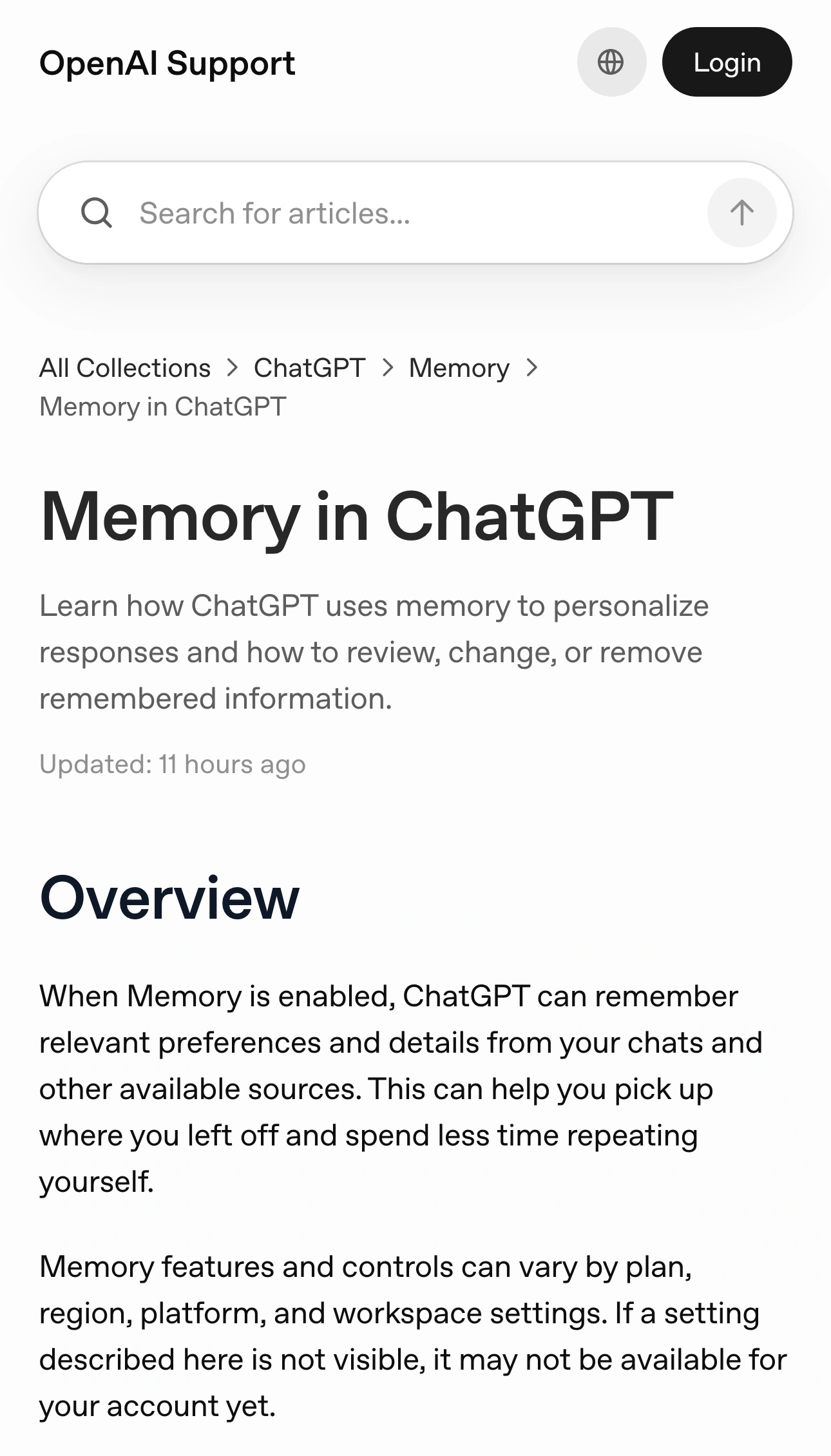
Source: Official documentation, captured November 24, 2026. OpenAI Support describes memory personalization and notes that controls vary by account, region and workspace.
For an original, harmless example, suppose ChatGPT keeps suggesting elaborate slide decks when you usually need a one-page decision memo. Write down the unwanted assumption and the result you wanted. That gives you a specific correction to evaluate.
Review the summary without treating it as a complete inventory
OpenAI describes the memory summary as a high-level view, not necessarily every detail or source that can influence personalization. Asking what ChatGPT remembers can help you start a review, but a short answer should not be treated as a complete export of your data.
Look for a concrete mismatch. In the memo example, a note saying you prefer detailed presentations may have been useful for one project and become misleading elsewhere. Correct the scope: you want a short memo for routine decisions, while a presentation may still be appropriate when explicitly requested.
Avoid replacing one overly broad assumption with another. Always use one page could be wrong for a technical report. A better correction describes the default, the context and when you want an exception.
OpenAI's June 2026 memory announcement explains why freshness matters: preferences and constraints evolve over time. The practical task is to make today's intent clear rather than assuming an old preference is permanent.
Inspect the source of a surprising answer
When Sources appears under a personalized answer, open the relevant entry and compare it with the assumption in the response. The help guide lists several possible context sources, including chats, saved memories, instructions, files and connected apps, depending on availability.
Use this original worksheet to keep your investigation bounded:
| Record | Example observation |
|---|---|
| Intended result | A one-page decision memo |
| Unexpected behavior | A slide-by-slide outline |
| Possible source | An old presentation preference |
| Correction | Short memos by default for routine decisions |
| Follow-up | Inspect a fresh answer to the same type of task |
These are illustrative observations, not results from testing your account. Do not infer that one visible source explains every influence on a response. If the answer still misses the mark, inspect the current prompt and other available context before making another change.
For a project-specific boundary, use the separate ChatGPT Projects context guide. A preference relevant to one project should not automatically be interpreted as an instruction for all your work.
Choose correction, reduced mention or removal deliberately
An inaccurate detail calls for a correction. An accurate detail that is irrelevant to the present task may need a narrower instruction. Removing information is a different decision again.
The current guide distinguishes controls that reduce future mentions from deleting an underlying source. It also explains that saved memories are separate from chat history. Read the confirmation text for the particular control you use instead of assuming a generic delete button removes every copy.
Before removing useful conversations or files, decide what you are trying to achieve and preserve work you still need. Follow OpenAI's current removal instructions for the sources involved. This article does not operate those controls or claim to verify a deletion in your account.
The independent TheAIGRID walkthrough below was published June 6, 2026. It helps readers recognize a memory-review workflow. Its interface is historical; today's official guide determines which controls and behaviors apply to your account.
Separate memory review from a full conversation
OpenAI's full-chat troubleshooting page says deleting saved memories does not create room in a full chat. On the Free plan, a new conversation is one documented way to continue.
If you transfer work into another chat, prepare a short handoff containing the task, accepted decisions, necessary source text and next action. Review any generated summary before relying on it. A summary can omit a detail that matters to your next step.
For a conversation you do not want used for normal personalization, consult the Temporary Chat guide and its limits. Do not assume that changing a memory preference changes every retention or safety rule.
Test one correction against a clear outcome
Return to a harmless version of your original task. State the intended output directly and inspect whether the next answer follows it. Record the setting or detail you changed so you can explain the result.
A single successful answer does not prove that a preference will behave identically everywhere. Keep essential requirements in the current request, especially when the cost of a wrong assumption is high. Memory is helpful context, not a substitute for reviewing the answer.
Follow changes to the control you rely on
If a team procedure depends on a documented memory control, PageDog can monitor that selected visible paragraph of OpenAI's help page on your Mac. Set a specific condition, such as removal of a named review control, then inspect the official change after an alert.
Checks run locally while the Mac is available. Hosted AI receives bounded captured evidence when used by your plan. PageDog does not inspect or change ChatGPT memories. Close your review with the assumption, its source, the chosen correction and the outcome of your follow-up task.