
In this article
Read your native cost summary first
Open Plan & Usage → Usage and review the cost summary with someone who has billing access. Compare estimated month-to-date, projected month-end and historical costs by product. Datadog’s Cost Details guide explains these views and their permissions.
A projection is not the final invoice. It uses usage and contracted rates, updates daily and can change during the month. Before shopping for a lower price, identify whether an increase came from more hosts, more data, longer retention or a different commitment.
This guide checks public USD pricing for Datadog’s US site on September 13, 2026. Examples exclude tax, negotiated discounts and products not explicitly listed. Confirm your Datadog site, attached products and contract; regional rates or standalone product quotes may differ.
Separate products and their billing units
Use Datadog’s pricing comparison to record the unit beside the rate. These are selected annual billing rates, not one bundled platform subscription:
| Component | Billing unit | Annual rate, expressed per month |
|---|---|---|
| Infrastructure Pro | Infrastructure host | $15 |
| Infrastructure Enterprise | Infrastructure host | $23 |
| APM | APM host | $31 |
| Log ingestion | GB ingested | $0.10 |
| Indexed logs, 7-day retention | 1 million indexed events | $1.27 |
| Indexed logs, 15-day retention | 1 million indexed events | $1.70 |
The $31 APM starting rate is the offer with Infrastructure Monitoring attached, as described on the product pricing page. Do not apply it to a standalone APM quote. Infrastructure and APM can describe the same machines while remaining separate subscription components.
Gigabytes and event counts are different units. You cannot turn 200 GB of logs into a price for 200 million indexed events without measuring the event count. Likewise, an infrastructure host count is not a count of application services.
A worked estimate for ten steady hosts
Suppose a team budgets for ten billable Infrastructure Pro hosts, adds APM on all ten, ingests 200 GB of logs per month, and indexes 20 million log events with seven-day retention. Assume its applicable annual commitments cover those quantities and other usage stays within included allowances.
| Line item | Calculation | Monthly equivalent |
|---|---|---|
| Infrastructure Pro | 10 × $15 | $150.00 |
| APM attached to infrastructure | 10 × $31 | $310.00 |
| Log ingestion | 200 × $0.10 | $20.00 |
| Indexed logs, seven days | 20 × $1.27 | $25.40 |
| Illustrative total | Sum of these four lines | $505.40 |
That is $6,064.80 over twelve identical months. It is a budgeting calculation under stated assumptions, not an invoice prediction or a complete deployment quote.
Changing only indexed-log retention to fifteen days produces 20 × $1.70 = $34, bringing the total to $514/month equivalent. The $8.60 difference comes from retention; it does not require more hosts or more ingested gigabytes.
For a trial, record actual quantities, select the intended retention and ask which commitments the quote assumes. Add each enabled product explicitly. Database Monitoring, RUM, synthetics, container usage and custom-metric overages are outside this example, so a deployment using them needs more rows.
Check allowances before adding APM overages
Datadog’s APM billing guide lists 150 GB of ingested spans and one million indexed spans per APM host per month. For ten applicable APM hosts, that gives a default allowance of 1,500 GB and ten million indexed spans.
If this example sends 1,000 GB of spans and indexes eight million spans, both quantities fit those allowances. Adding their full volumes again as paid overage would inflate the estimate. If usage exceeds an allowance, price the excess using the applicable span rate and retention, not the log-event row.
APM billing measures hosts over time. On the documented high-watermark plan, hourly observations determine the billable host count. Ten hosts visible right now do not prove that the month’s billable count will be ten. Keep the example’s “ten billable hosts” assumption separate from a momentary inventory screenshot.
Confirm included quantities in your agreement. Datadog’s product allotments reference explains how underlying subscriptions create allowances and how those quantities are aggregated.
Monthly billing and on-demand are separate columns
The comparison page lists seven-day indexed logs at $1.27 per million on annual billing, $1.52 month-to-month and $1.91 on-demand. Keep the same unit and retention when comparing them. There is no universal percentage you can apply to every Datadog product.
A twenty-million-event annual commitment costs $25.40 at that public rate. If the contract uses the listed $1.91 on-demand rate for five million additional events, the extra amount is 5 × $1.91 = $9.55. The indexed-log subtotal becomes $34.95, not 25 × $1.27.
The Log Management billing guide says spending below a commitment does not automatically reduce that commitment’s bill. Over-consumption is handled separately. A quiet month and a burst month therefore need different calculations even when their average looks reasonable across a quarter.
Use Datadog’s controls for changing consumption
Datadog already provides native tools for this job. Its Datadog Costs documentation describes daily cost visibility in dashboards, notebooks, cost monitors and budgets. It says Datadog Costs has no additional charge for eligible direct-contract and external-marketplace drawdown customers, including customers without a separate CCM subscription.
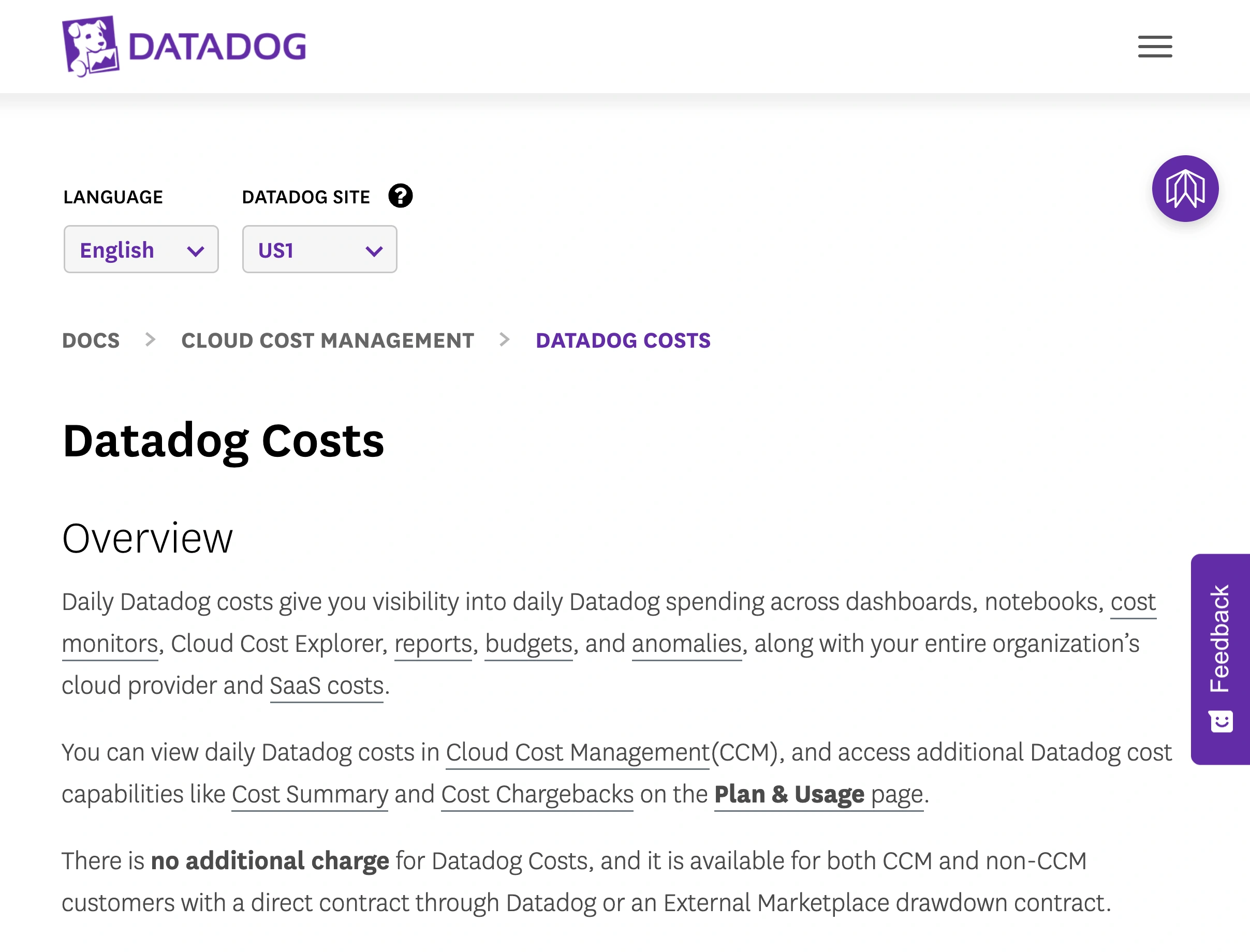
Source: Datadog Docs, Datadog Costs, captured September 13, 2026 with US1 selected. The documentation identifies the native place to inspect changing spend.
Viewing this data requires the relevant billing and usage permissions. Start with the product driving the increase and establish a cost monitor for the condition your team needs to investigate. A public pricing-page watch cannot see a service suddenly emitting more logs into your private account.
Datadog’s official October 14, 2025 walkthrough shows the broader Cloud Cost Management approach: connecting cost information to engineering work. Use it to evaluate the analysis workflow; current documentation and your contract determine availability and price.
Watch a public rate or allowance before renewal
PageDog has a narrower role: alerting you when a published pricing condition changes while you prepare a renewal. Open the public comparison page in PageDog on your Mac and select one visible row with its product, unit, retention and billing column.
For example, set the goal “Tell me if the US annual rate for seven-day indexed logs changes from $1.27 per million events.” Choose a daily schedule and verify that the initial evidence shows that exact row. If interaction is needed to reveal it, use a stable source section that loads with the needed terms visible.
When PageDog reports a matching change, inspect the saved evidence and reopen Datadog’s source. Compare the public rate with your contract before revising the estimate. Checks run locally while PageDog is running and the Mac is awake and online; hosted AI receives selected evidence to evaluate the goal. PageDog does not inspect Datadog telemetry or manage its subscription.
Our SaaS pricing change guide covers this public-terms workflow. For a separate hosting budget, the Vercel pricing guide uses its own units and allowances; local-first monitoring explains PageDog’s execution boundary.