In this article
Start with the Vercel dashboard and current rate card
For an existing project, select the correct team and inspect Billing, Usage and Spend Management before changing plans. Count people who need to deploy, identify the resources your app consumes, and check whether Flat Rate CDN is enabled. Those three decisions produce a more useful estimate than pageviews alone.
For a new project, use the official Vercel pricing page alongside a small representative deployment. The figures here are public USD prices checked on September 12, 2026, before applicable taxes. Resource rates can vary by region; Enterprise quotes and negotiated commitments require their own calculation.
| Plan | Starting cost | Appropriate starting point |
|---|---|---|
| Hobby | $0 | Personal, non-commercial projects within its limits |
| Pro | $20/month | Professional work and teams; additional charges can apply |
| Enterprise | Custom | Requirements negotiated with Vercel |
The Hobby plan documentation restricts that tier to personal, non-commercial use. A paid client website is a different decision from a personal learning project, even when both receive little traffic. If you hit a Hobby resource limit, consult that resource’s restriction instead of assuming paid overages will keep the project running.
The $20 credit belongs to the team
The Pro plan documentation separates a $20 monthly platform fee, one included deploying seat, and $20 monthly infrastructure credit. Each additional Owner or Member seat costs $20/month. Read-only Viewers are free and cannot configure or deploy projects.
Adding two developers therefore produces a $60 monthly seat/platform baseline. It does not turn the credit into $60. The team still has $20. Unused credit expires rather than accumulating for a future launch.
Here is a worked estimate, assuming three deploying seats, no paid add-ons, no additional CDN tier charge, and $35 of eligible metered infrastructure usage after any included allowances:
- Platform and seats: $20 + (2 × $20) = $60.
- Eligible usage beyond the team credit: $35 − $20 = $15.
- Estimated total: $75 before tax.
If eligible usage were only $8, the same team would still pay the $60 baseline. The unused $12 would not become a discount on seats. Keep this distinction when comparing hosting with the separate project and compute costs in our Supabase pricing guide.
Flat Rate CDN changes the traffic calculation
Vercel’s Flat Rate CDN documentation, updated September 8, 2026, describes fixed monthly delivery capacity for Pro. Check the Billing toggle and selected tier rather than assuming an older per-GB calculator matches your account.
| Additional CDN tier price | Monthly requests | Monthly transfer |
|---|---|---|
| Included with Pro | 1 million | 1 TB |
| $20/month | 10 million | 50 TB |
| $100/month | 50 million | 50 TB |
| $300/month | 150 million | 50 TB |
These are CDN capacity charges, separate from the Pro platform fee. A single-day spike does not trigger an upgrade; exceeding monthly capacity can move the team up next cycle. Exceeding the highest tier can lead to on-demand pricing. Bulk downloads and large-scale media distribution are outside the documented eligible use cases.
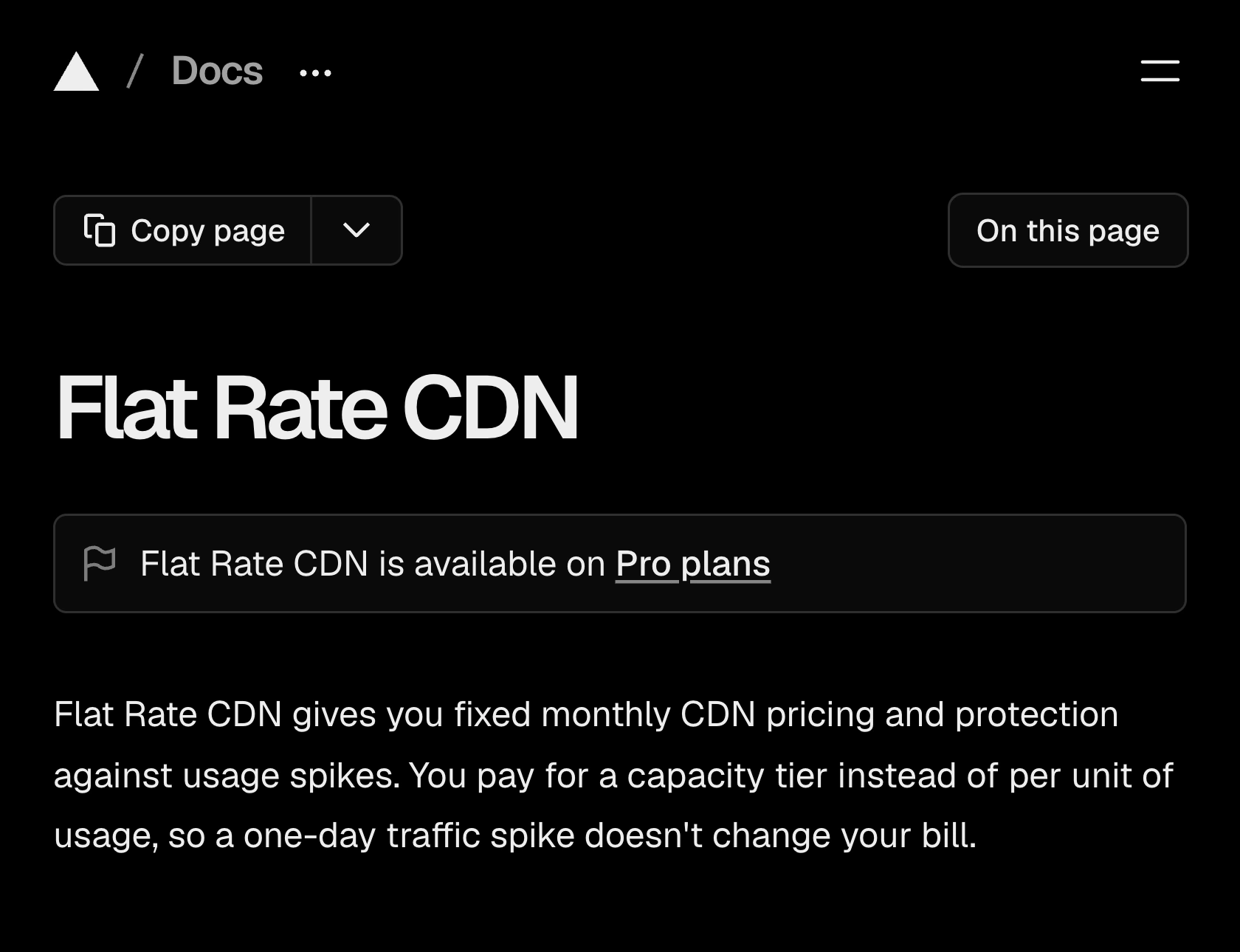
Source: Vercel, Flat Rate CDN, captured September 12, 2026. The introduction confirms capacity-based billing and the single-day spike rule.
CDN capacity does not make function execution free. Budget delivery and application work separately, then reconcile both against the dashboard. A mostly cached site and an application that generates a response for every request can have very different costs at the same traffic level.
Compute needs a workload estimate
Under Fluid compute pricing, Functions are measured through active CPU, provisioned memory and invocations. Active CPU concerns execution work; waiting on a network response is different from spending that entire interval computing. Memory remains a separate dimension.
Use the resource rates for your deployment region. Do not combine an old GB-hour estimate with a new active-CPU price and call the result a quote. Likewise, an AI provider’s token bill is not interchangeable with hosting the API route that calls it.
A practical trial is one complete user journey: load a page, submit a form, process its server request and inspect the resulting usage. Repeat it at a representative frequency. Record cache hits, image transformations, background jobs and build activity separately. The exercise reveals which meter scales with traffic and which grows with your team’s development habits.
Set native spending controls before launch
Use Vercel Spend Management for actual consumption. Configure a spend amount, verify notification recipients, and decide whether reaching it should pause production. An alert and an automatic pause have different operational consequences.
The current documentation says pausing is not instantaneous: usage can continue accruing for several minutes while checks catch up. Paused production deployments return a 503 error. Increasing the spend amount does not automatically resume every project; resumption is a separate action. Leave room for that delay and decide who will respond.
Vercel links the following official walkthrough from its documentation. Published February 20, 2024, it explains the notification-versus-pause choice. Its interface predates the current credit and CDN arrangements, so use the current documentation for prices, defaults and exact navigation.
Watch published terms when planning a renewal
Native billing tools are the first choice for your running bill. A separate job is noticing when a public allowance changes while you are comparing providers or preparing a client budget. PageDog can monitor that visible pricing evidence on your Mac.
- Open the public Pro documentation in PageDog and select the area containing the platform fee, deploying seat and monthly credit.
- Set one explicit goal, such as: “Tell me if the included monthly Pro usage credit changes from $20.” Keep the amount and its monthly/team context inside the selection.
- Choose a daily check and run an initial check to confirm the selected area loads correctly. Use a separate watch for the CDN tier you actually depend on.
- When notified, inspect the evidence and reopen Vercel’s source before changing a budget.
PageDog runs checks locally while the app is running and the Mac is awake and online. Hosted AI receives selected evidence to evaluate the goal; keep the watch on public terms rather than private billing details. It reports relevant changes, but does not set Vercel budgets, pause deployments or manage subscriptions. See how local-first monitoring works before choosing what to capture.
For several vendors, our guide to tracking SaaS pricing changes explains how to keep each watch tied to a specific allowance. The useful alert is a changed assumption in your budget, followed by a human review of its effect.