In this article
Check your workspace’s billing page first
Open your Workspace settings and review Billing before estimating an upgrade. Record the plan name, billing interval, number of paid seats, AI subscription and next renewal. ClickUp’s billing introduction explains the native place to manage these details. Use an owner or admin with the relevant billing access.
This guide checks public USD prices on September 12, 2026. The examples exclude applicable taxes, discounts and negotiated Enterprise terms. They describe the public standard plans; a workspace offered the newer AI-inclusive plans needs its own displayed quote. Regional checkout details and the invoice remain the authority for what you will pay.
Standard ClickUp plans: monthly versus annual
The official ClickUp pricing page currently lists these base subscriptions:
| Standard plan | Per user, paid monthly | Per user/month, billed yearly |
|---|---|---|
| Free Forever | $0 | $0 |
| Unlimited | $10 | $7 |
| Business | $19 | $12 |
| Enterprise | Custom quote | Custom quote |
Free includes unlimited tasks and members, with 60 MB of storage. Unlimited adds features such as unlimited storage and native time tracking. Business adds capabilities including advanced dashboard cards and 5,000 automations per month. Select the tier for a workflow you need rather than the number of feature names on the page.
For ten paid seats, Unlimited is $100 per month on monthly billing. The annual equivalent is $70 per month, or $840 for a year. Twelve monthly payments would total $1,200. Business is $190 monthly, compared with a $120 monthly equivalent or $1,440 annually.
Those calculations hold the seat count constant. A team hiring halfway through the year should also model the added seats. The annual headline is a monthly equivalent with a yearly billing commitment, not a promise that the full team costs $7 or $12 in total.
Why some workspaces see different plan names
ClickUp’s new plans and pricing notice describes a limited rollout of Core, Business, Business Plus, Enterprise and Max. AI is included in these newer options rather than purchased as the same separate add-on structure.
The notice says an existing workspace’s current plan and price stay unchanged unless it chooses to switch. Adding users does not automatically migrate it. It lists pooled monthly AI allowances, but does not publish a universal dollar price for every new plan.
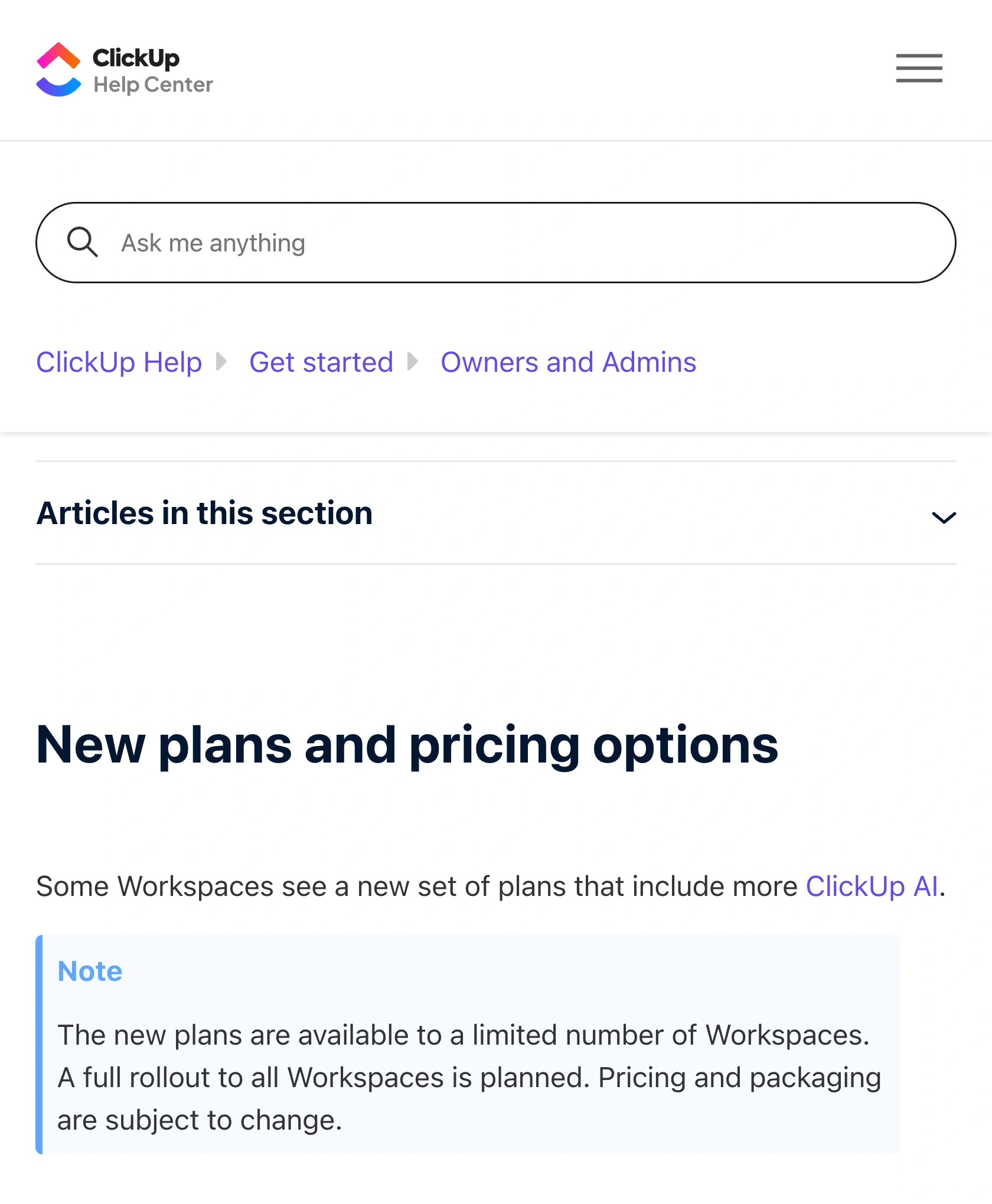
Source: ClickUp Help, new plans and pricing options, captured September 12, 2026. The rollout notice explains why two workspaces can see different offers.
Do not attach the standard $12 Business annual rate to every newly named Business offer. Match plan generation, billing interval, seat count and included AI before comparing screenshots or quotes. This is also why an older review can accurately describe its own account yet fail to predict your renewal.
If evaluating another project-management subscription, keep a separate calculation for its billable roles. Our Asana pricing guide covers that vendor’s structure without assuming the two products count users identically.
Count paid roles before inviting guests
ClickUp’s role and plan billing guide says people in one workspace cannot occupy different base plans. Owners, admins, members and certain limited-member roles are paid seats on paid plans.
Permission-controlled guests have an allowance. Standard Unlimited starts with five guest seats for the first member and adds two for each additional member. Business starts with ten and adds five. Exceeding the included guest allowance can add a paid member seat even though you invited a guest.
For a ten-member standard Unlimited workspace, the allowance is 5 + (9 × 2) = 23 permission-controlled guests. Check the current guest count and proposed permissions before inviting number 24. A client who only needs to read shared work has different needs from a collaborator who edits it.
The practical review is a small roster: person, role, required permissions and billing effect. Resolve that roster before approving a yearly renewal. Removing confusion about one paid seat can matter more than choosing the cheapest-looking headline price.
Budget AI subscriptions and usage separately
On the public pricing page’s yearly AI view, Brain AI is $9/user/month and Everything AI is $28/user/month. These are separate AI offers on the standard pricing path, not replacement prices for the base workspace. Confirm the actual AI seat quantity and billing period in your workspace before purchasing; the newer bundled plans require a different comparison.
As an illustration, if your quote bills ten standard Unlimited seats and ten Brain AI seats at those annual rates, the equivalent is 10 × ($7 + $9) = $160/month, or $1,920 annually, before extra usage and tax. This is a calculation for those explicit quantities, not a quote for every ClickUp account.
ClickUp’s AI credit documentation explains that credit use depends on the feature and task complexity. Additional credits cost $0.001 each, purchased as a monthly allowance in $10 increments for 10,000 credits. They renew monthly, are shared across the workspace and do not roll over.
For example, suppose your actual usage record shows 200 credits for a particular agent run. One hundred similar runs would use about 20,000 credits. If 15,000 applicable credits remain, the 5,000-credit gap represents $5 of usage, but the minimum additional monthly allowance costs $10 for 10,000 credits. Different runs can consume different amounts; measure a representative task before scaling it.
To assess whether that spend is useful, watch ClickUp’s Holly Peck demonstrate Brain² with ZenPilot on June 26, 2026. ZenPilot is a ClickUp Solutions Partner, so treat this as a partner-hosted product walkthrough. It shows workflows to evaluate; current billing documentation and your workspace quote settle the price.
Monitor a public allowance before renewal
Use ClickUp Billing to manage your subscription and inspect AI usage. PageDog is useful for a separate question: whether a published allowance or rollout condition changes while you prepare a renewal budget.
Open the public pricing or help page in PageDog on your Mac. Select the precise area that contains the plan name, period and allowance, then set a goal such as “Tell me if the Brain AI included monthly credit allowance changes.” Choose a daily schedule and run an initial check to confirm the relevant text remains visible.
When PageDog reports a matching change, inspect the saved evidence and reopen ClickUp’s source. Compare it with your actual workspace before updating the budget. A public offer changing does not prove that an existing subscription has migrated.
Checks run locally while PageDog is running and the Mac is awake and online. Hosted AI receives selected evidence to evaluate the goal. Prefer public terms for this watch; PageDog does not choose a plan, change ClickUp seats or manage subscriptions. Our SaaS pricing change guide shows how to keep multiple vendors’ watches specific, and local-first monitoring explains the execution and AI boundary.