In this article
Read the model row first
Start with Anthropic’s model deprecations reference. Match the full API identifier, including any date suffix. A deprecated model can still accept requests before retirement. A retired model is no longer available through that route.
Find callers before changing defaults
Anthropic documents a usage export from Claude Console that breaks down usage by model and API key. Compare that export with application configuration and scheduled jobs. A change in the main chat application can leave a nightly job or another environment still pinned to the older identifier.
Test the replacement on real requirements
Choose a small set of representative inputs. Check output parsing, tool calls, and task quality before moving traffic. For a job that extracts structured records, verify the fields and missing-value handling as well as whether the request completes.
Watch the public retirement date
Where you need to keep a particular published date in view, a local PageDog watch can check the visible model row for a change. Confirm the revised date and model ID in the source page. For nearby tasks, see the Claude status guide and Copilot model access guide.
Record the API route alongside the identifier
Begin with an actual request configuration from the affected workload. Write down the resolved model ID, the provider that receives the request, and the environment. A short family name in an internal settings screen may map to a specific version elsewhere in your stack. Follow the configuration until you can identify the value the application sends.
If you use Claude through a cloud partner or a gateway, check that provider’s documentation for your route as well as Anthropic’s table. Record the deadline and the replacement for that route before setting a migration date. If the notice labels a date tentative, preserve that qualification in your ticket and check the source again before rollout.
Turn usage into a list of owners
Use a reporting window that includes the jobs you run less frequently. If a process runs monthly, a seven-day export can miss it entirely. Compare the export with the run schedule and the time window in your logs. Check how the old model is resolved in deployed configuration, queue workers and workflow definitions.
For each caller, note its environment, owner, schedule, replacement and last observed request. If several callers share one API key, match the timing with your own logs or deployment records. Record key labels or internal references and keep credentials out of the migration document.
A common case is one web service and one batch job using the same configuration default. The web service picks up the new model at the next deployment, while the batch job still pulls an older configuration from a different deployment. Follow both callers through their next normal run before marking the identifier unused.
Compare the behavior your application depends on
Keep the original request set and expected results in a test environment. Include at least one ordinary input and one case that has caused trouble in production. Change the model and preserve the other settings initially where they are supported. If the replacement requires a different option, record the change alongside the test.
For an extraction job, check valid JSON, expected fields, and handling of incomplete records. For a tool-driven workflow, check the chosen tool, arguments and what happens when a tool fails. Also record duration and token usage for comparable work. That helps you detect a replacement that produces correct answers but exceeds a latency or budget target. Use current provider prices for any cost estimate.
Roll out and verify the old traffic stops
Start with an environment where a failed request is easy to diagnose. After the replacement passes its checks there, move a limited portion of production traffic where your deployment allows it. Compare error rates and application-level outcomes before moving the rest. If you need to reverse the change, use a fallback that will remain supported through the retirement date.
After the migration, look for the old ID in usage and logs over a period that covers your slower jobs. If it appears again, find the caller and repeat the test there. Save the latest result and the date of your check beside the retirement deadline. A source-page alert can help you notice a schedule change, but your own traffic records are what show whether the migration is complete.
If the old model has already retired, isolate callers that fail before changing shared defaults. Reproduce the failure in a test environment, update one caller, then confirm its recovery. Keeping the rollout narrow helps you distinguish a model change from a separate configuration problem.
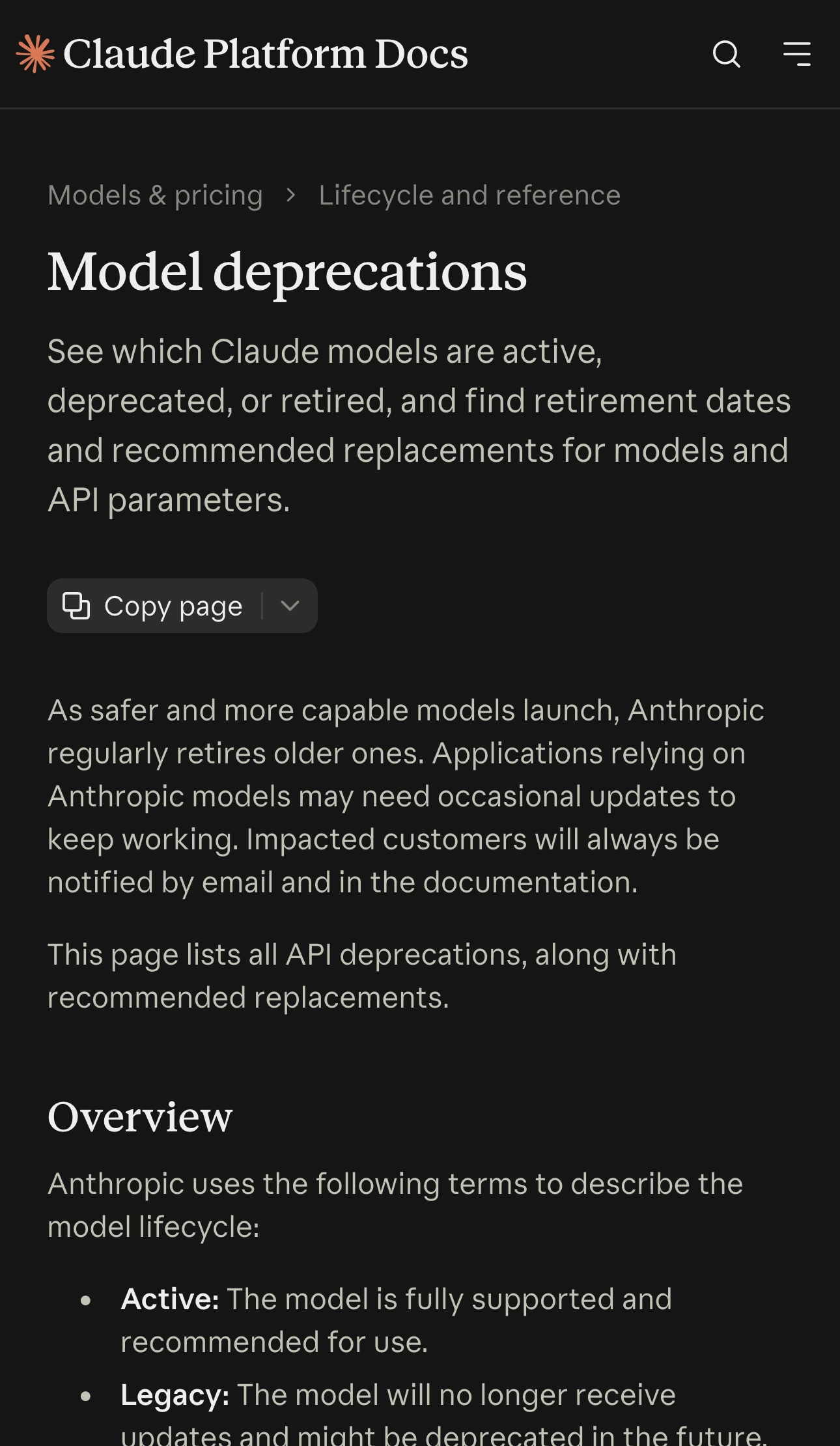
Source: Official documentation, captured November 16, 2026.
The quickstart below illustrates making a small API request outside an existing application. Use it for the request workflow, and use the current deprecation table for the model identifier and deadline. The demo predates the current catalog.