In this article
Find the exact model before changing your installation
Write down the full model name, where you previously selected it and when it was last available. “Claude disappeared” is less useful than the exact version and a specific surface such as Copilot Chat in VS Code. Also distinguish a missing option from an option that appears but returns an error.
This guide was checked on November 13, 2026. Model availability changes quickly, so use the live documentation for your next check. A screenshot from a colleague or an older tutorial can describe a different plan, client or retirement date.
Start with GitHub's changelog. Its October 19, 2026 retirement notice removed several models across most Copilot experiences. For example, it lists GPT-5.5 and GPT-5.4 with GPT-6.1 Sol as the suggested alternative, and Gemini 3.7 Flash with Gemini 3.8 Flash. Those are dated migration examples, not a permanent list of today's best choices.
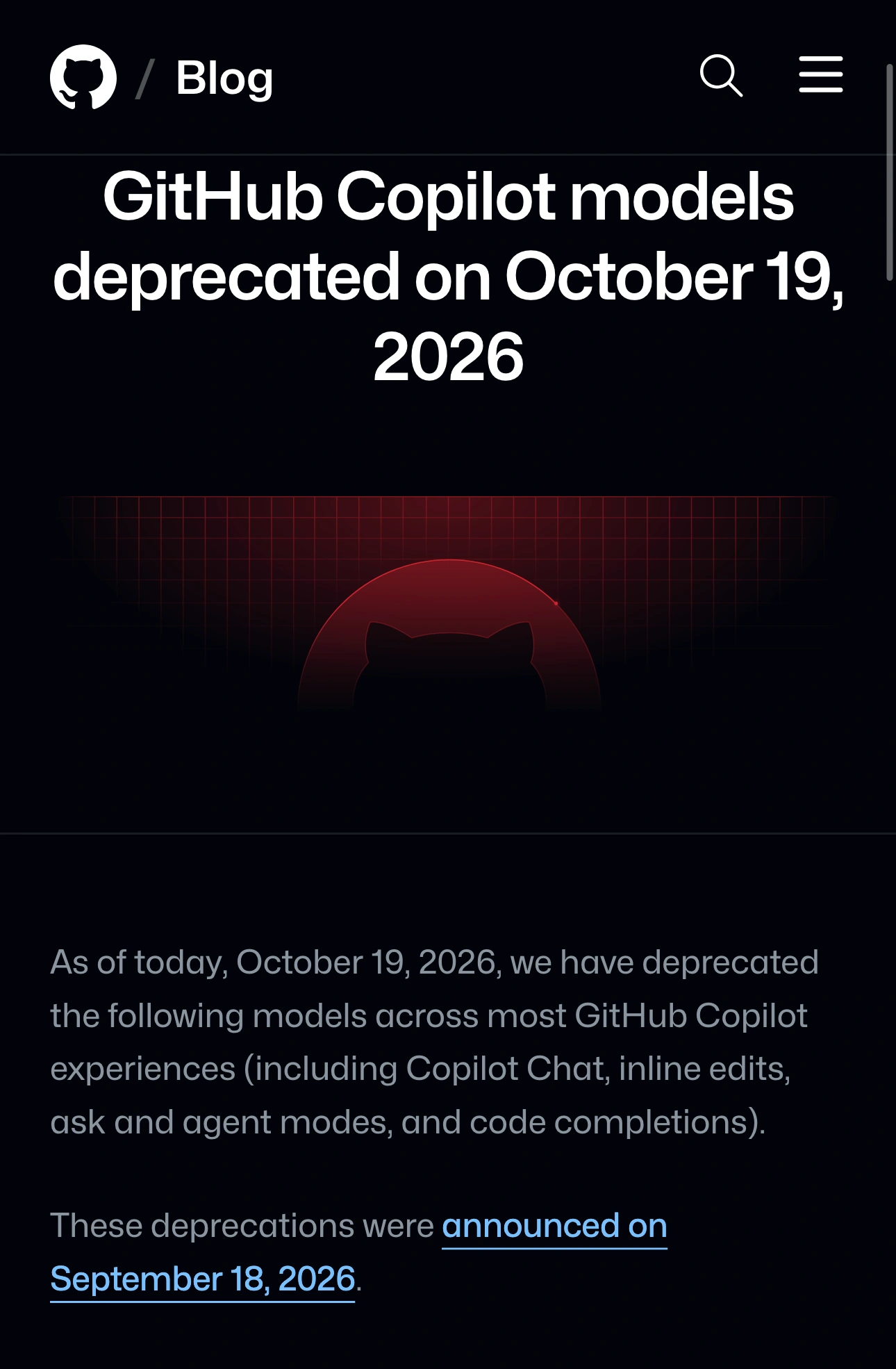
Source: GitHub Changelog, captured November 13, 2026 at native 3× resolution. The notice establishes a retirement date; current access still depends on the supported-model documentation.
If your exact model appears in a retirement notice, its absence may be expected. Reinstalling an editor is not a way to restore a retired service. Identify a supported alternative, then test the task you actually need it to perform before changing a team workflow.
Match the model to your plan and client
Open GitHub's supported-model reference. Check both the plan table and the client table. A model listed for GitHub.com is not automatically available in every IDE or in the CLI.
At this check, the reference says Copilot Free and Copilot Student use Auto model selection only. That matters when an older guide tells you to select an individual model. The same reference lists minimum client versions for some entries. Compare the row for your actual environment instead of treating a model's appearance anywhere on the page as proof of eligibility.
Use a short comparison record:
| Detail | What to record |
|---|---|
| Model | Exact name and version from the missing option |
| Surface | GitHub.com, Copilot CLI, or the named IDE |
| Feature | Chat, agent work, inline suggestions, or another specific feature |
| Account | The GitHub account signed into that client |
| Entitlement | Personal plan or organization-provided access |
| Software | IDE and Copilot extension versions where applicable |
This separates several questions that otherwise sound identical. A personal account and an organization account may not have the same access. Two colleagues may use different clients. A newly announced model may require a newer client than the one you have installed.
Our Gemini in Chrome availability guide uses a similar approach: establish the account and product surface before treating an absent control as a broken installation.
Check the selector for the feature you are using
GitHub's model-switching instructions have separate tabs for supported IDEs. In VS Code, open Copilot Chat and use the model dropdown at the bottom of the chat view. Choose the documentation tab that matches your editor.
The guide also distinguishes Chat models from inline-suggestion models. Changing one does not change the other. If the missing option concerns completions while typing, a screenshot of the Chat picker answers a different question.
GitHub's February 1, 2026 demonstration below shows model switching in Copilot CLI. It is useful if the terminal is your actual workflow. The model names shown are historical, and the clip does not establish which models your VS Code account should offer today.
Once you have selected an available model, try a small, repeatable task. For example, ask it to explain a short function and identify the tests that would cover a specific edge case. Keep the same prompt and code when comparing alternatives. Judge the result against the requirements of your project, not just whether the response arrives quickly.
When organization policy is the missing piece
GitHub's switching guide says a Copilot Business organization must allow members to switch models. The October retirement notice also warns that Enterprise administrators may need to enable alternatives through their model policies.
Send your administrator the exact model, client and relevant documentation row. Ask whether that model and the ability to switch are enabled for your access. A precise question is easier to resolve than a request to “turn all AI models on.”
Do not paste API keys into troubleshooting discussions or assume that adding a separate provider account is the same as restoring an included Copilot model. Additional provider configurations can have their own access and billing arrangements. Resolve the original entitlement question first.
If policy and documented support both match, update the affected client through its normal update mechanism, reopen the relevant selector and record the result. If every model is missing or requests fail more broadly, check GitHub Status and collect the exact error for support. A missing individual retired model and a service-wide failure require different responses.
Keep track of the next public availability change
Bookmark the official reference and dated changelog entry for the model your workflow depends on. Record the date you checked them. That leaves a useful migration note even if the model picker changes again next week.
PageDog can watch the relevant public documentation area from your Mac. Select the specific model row or retirement notice and describe a condition such as “Notify me when this model is marked deprecated or its supported clients change.” Run a check and inspect its evidence to confirm that the intended row is visible. Our website-change monitoring guide explains that selection step.
Checks run locally on an awake, connected Mac, and hosted AI evaluates the selected evidence. PageDog cannot enable a Copilot policy, restore a retired model or prove your account's entitlement from a public page. Use an alert as a prompt to review the official change and test a supported replacement.