In this article
Match the message to the next check
Start with the current OpenAI file-upload guide. Its limits apply to ChatGPT attachments; an API upload has its own requirements.
| What you observe | What to check first | What to record |
|---|---|---|
| A size or format error | The actual exported file | Extension and size |
| “Upload limit reached” | Retry time and account | Exact message and local time |
| A storage warning | Settings → Storage on the web | Whether saved storage is full |
| Several valid files fail | OpenAI Status and one controlled test | Client and incident status |
| Attachment succeeds but an answer fails | What the selected chat can do with the content | The failed operation |
As checked on November 19, 2026, OpenAI lists a 512 MB maximum for documents and presentations, a separate two-million-token limit for text and documents, approximately 50 MB for spreadsheets, and 20 MB per image. A file can pass one constraint and fail another.
Avoid converting a file repeatedly before identifying which constraint matters. A compressed PDF may have fewer bytes while containing the same text. Splitting a spreadsheet arbitrarily may also separate the rows that your question needs.
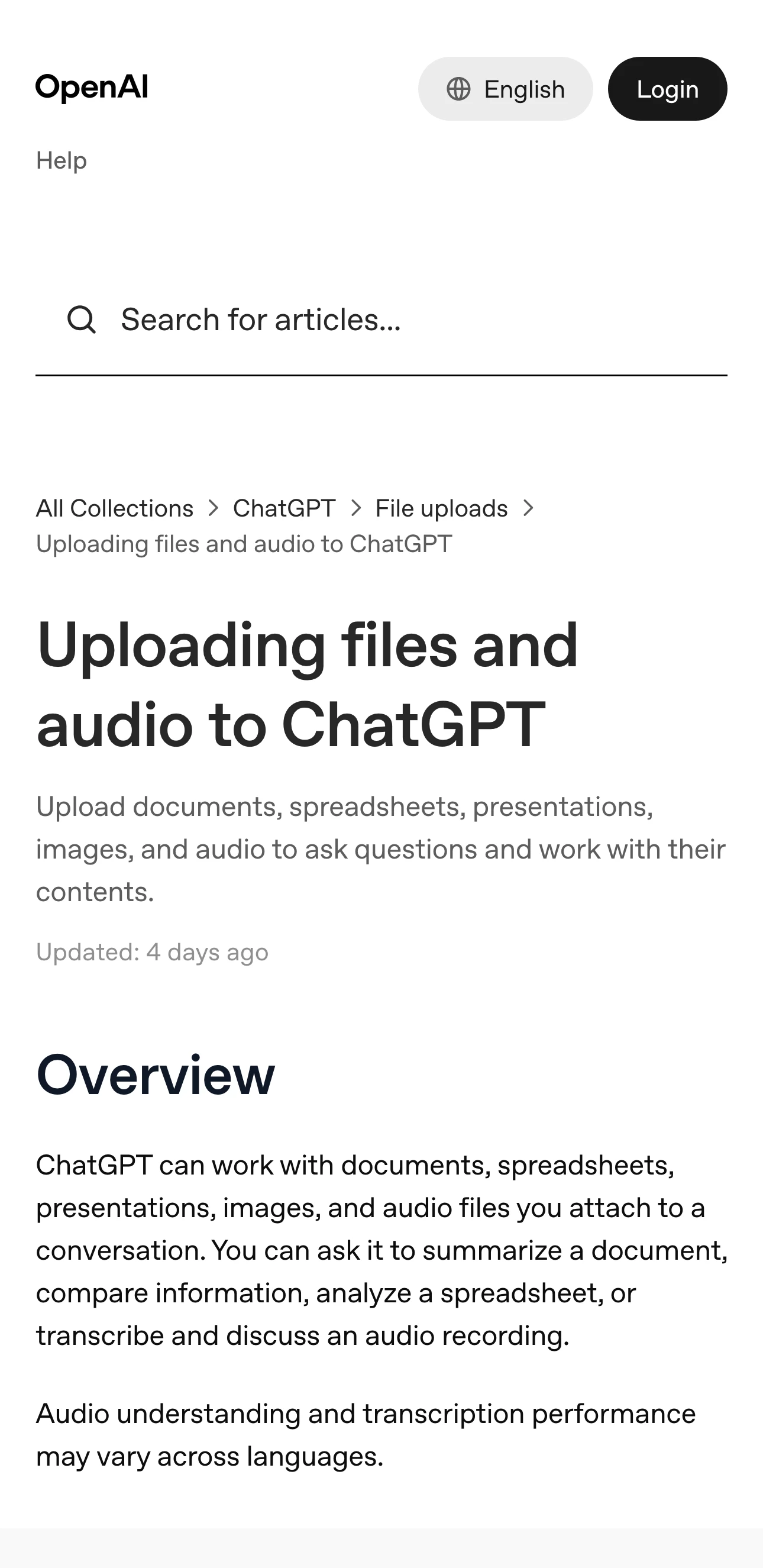
Source: Official documentation, captured November 19, 2026.
Check the file you are actually attaching
Open the attachment locally and verify its contents. A download called “report.pdf” might be an error page, an incomplete export, or an earlier version with a similar name. Use the file information shown by your operating system and open it in an appropriate viewer.
For a Google document, export a supported format first. OpenAI says a .gdoc shortcut cannot be uploaded directly. Keep the original in Drive and use a named export so you can distinguish the source from the copy.
Then make one small test using material you are allowed to share. For example, attach a short text document with a distinctive heading and ask ChatGPT to identify it. This tests a basic attachment path without repeatedly sending a large confidential report.
A successful small test narrows the investigation. Compare the failing file’s format, size and contents with the successful one. If both fail with the same quota message, changing a PDF compression setting is unlikely to answer the immediate question.
Separate the rolling quota from saved storage
The upload guide currently lists up to 80 files per three hours and three daily uploads for Free accounts, with limits potentially reduced at peak times. It also distinguishes shared storage caps of 25 GB per user and 100 GB per organization.
Treat these as dated documentation, together with the message shown in your account. OpenAI says failed attempts can sometimes count toward the upload-rate limit. Repeating the same failing attachment can therefore make the evidence harder to interpret.
If the interface supplies a retry time, save it with its timezone. A calendar-day boundary and a rolling window are different. Do not infer a reset just because the date changed on your computer.
On the web, Settings → Storage can show saved-file usage. The guide says ChatGPT does not expose the used or remaining rolling upload-rate quota. A storage screen therefore cannot establish that the rolling limit has reset.
Before removing saved material, identify what you need to retain and what the interface says the removal affects. Start with inspection. A quota investigation does not require deleting an entire project or every previous conversation.
Verify the account and attachment location
Record which account and workspace you are using, then check the place where you are adding the file. A normal conversation, project and GPT knowledge configuration can have different file-count constraints.
The useful comparison is one file in the intended destination. If you are building a project library, testing a separate chat tells you whether basic uploading works, but it does not prove the project has room for another source.
Keep this distinction when reporting a failure. “A 2 MB PDF fails in an existing project, while the same permitted test file attaches in a new conversation” gives support more information than “files are broken.”
For a feature that recently changed, the ChatGPT release-notes guide explains how to match an announcement to the relevant account and client. An announcement alone does not prove your attachment completed.
Check incidents before repeating a large upload
Open OpenAI Status and look for an incident affecting the operation you attempted. Record the incident title and its latest update. An aggregate healthy status and one failed request can coexist, so keep the exact error from your own test.
If the failure persists without a relevant incident, use the OpenAI support instructions. Include a timestamp, timezone, client, file type and size, and the request ID if available. Share a screenshot of the error with unrelated information excluded.
A compact reproduction might describe one attempt with a small supported file, the destination where it failed, and whether another permitted file succeeded. Preserve the original error text. Avoid sending the document’s full contents when the issue can be described without them.
This independent walkthrough shows the upload-error context. It was published in December 2025, so use the current OpenAI guide above for limits, account availability and settings.
Follow the public change that would justify another test
If you are waiting for a documented upload limit or supported-format change, a PageDog watch can follow that precise section of the public help page on your Mac. For example, select the image-size restriction and define the condition as the stated limit increasing.
PageDog checks the selected visible area locally while the Mac is available. Open the official page after an alert and confirm the revised requirement before testing the attachment again. For a service interruption, the native status page remains the first place to follow updates.
The guide to reducing false website-change alerts explains why a small, relevant area is easier to interpret. Keep the watch on public documentation so the captured evidence can exclude private filenames and file contents.
Finish with one decision. Repair an invalid file, wait for the displayed retry time, inspect saved storage, or report a reproducible failure. After your chosen action, repeat the smallest test that can show whether the original problem changed.